White background
Clean studio photos, on a white background
Many marketplaces ask for a plain white background on the main image of a listing. In A Pose Studio you can get one four ways: the White Studio scene with any of the 40+ models, a white version of a photo you already made, a ghost mannequin, or a clean flat-lay. Every image below was made in the app from the product photo in its corner.
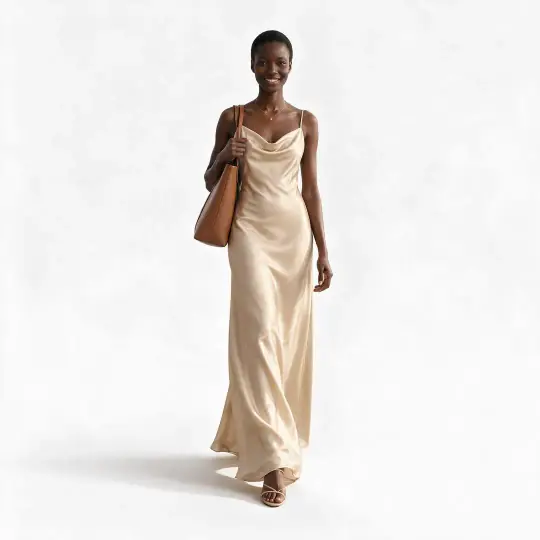
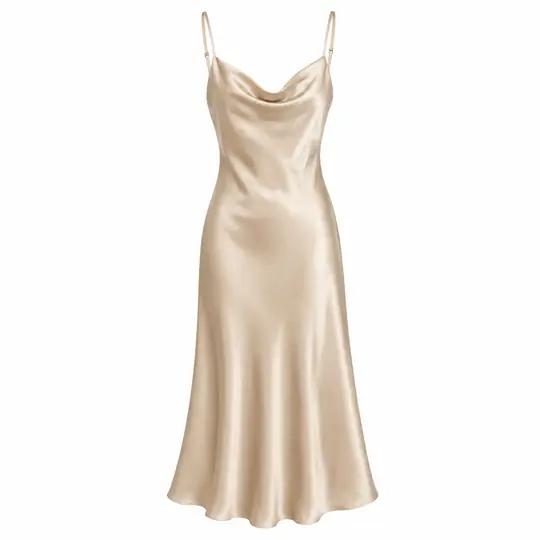
Slip dress
Nia · White Studio
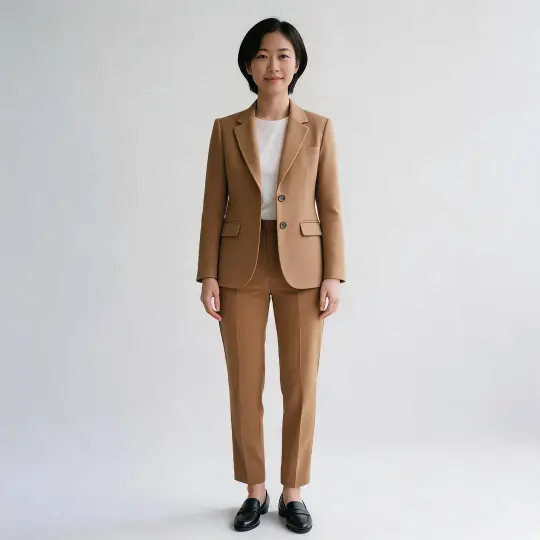
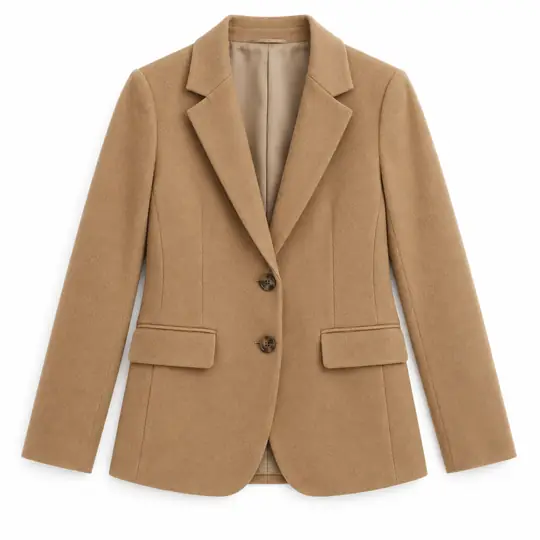
Blazer
Jiwoo · White Studio
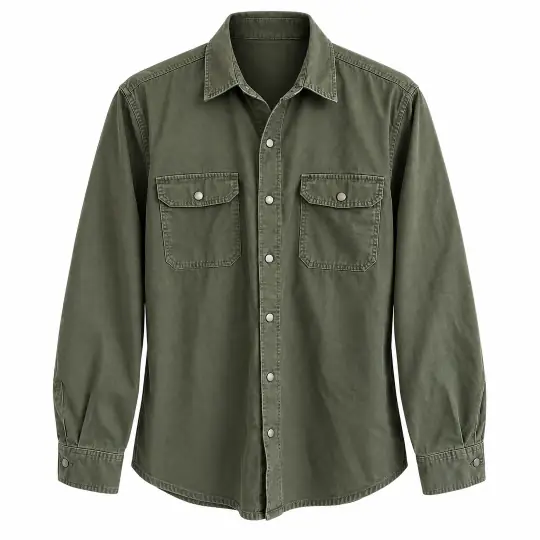
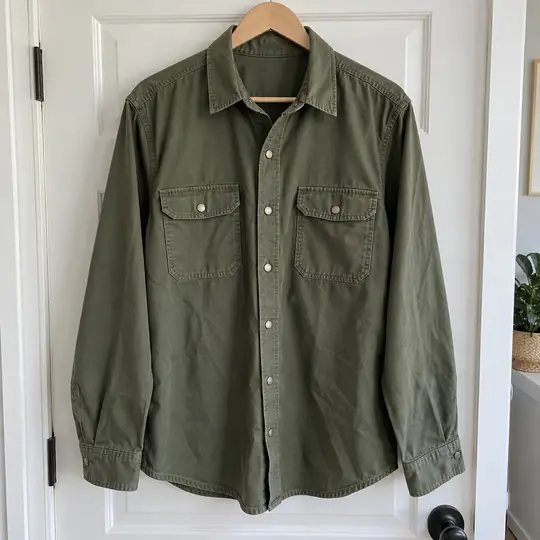
Overshirt, ghost mannequin
Ghost mannequin
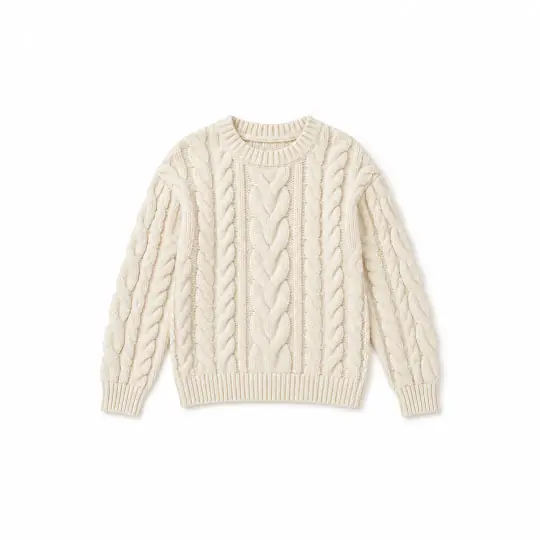
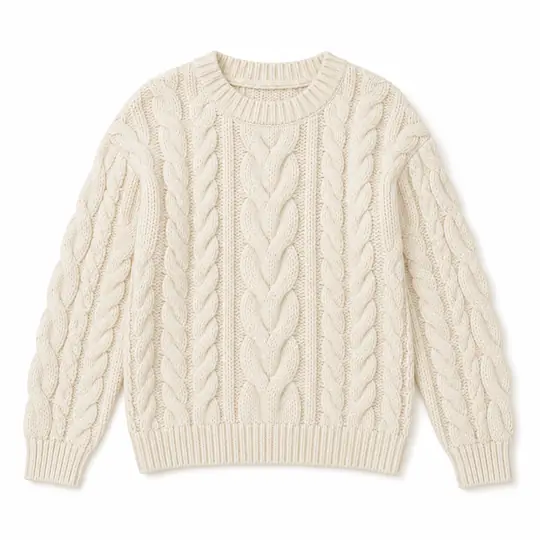
Sweater, flat-lay
Clean flat-lay
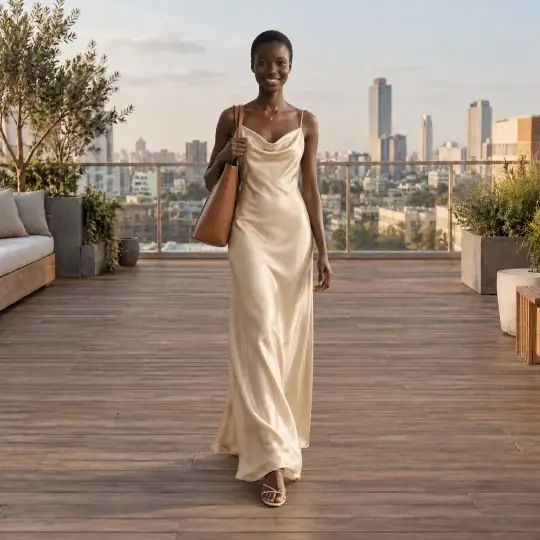
The same photo, made white in one tap from the Save window. Keep the scene photo for social posts and the white one for the main listing image.
In the app
Four ways to get white
- On the Scene step, search “white” and choose White Studio, on the Studio shelf. Pick a front pose from the model's own set of about 200.
- Already made a photo you love? In the Save window, make a white version of it for 5 credits. The model and pose stay the same.
- Clothing on its own: a ghost mannequin shot is made on white, with no model needed.
- A clean flat-lay of the garment is on white too, for shops that show the product alone.
A White Studio image costs 5 credits, the same as any scene.
Before you list
Download in the right shape
- Every photo is made as a square master. Each shape, 1:1, 3:4, 4:5, 9:16 and more, is a crop around the model with the full height kept, never white bars or a blurred fill.
- In For my marketplaces in the Save window, pick your sites (25+ are supported) to get each site's shape.
- Check the product against your photo before you publish, and retry with a note if a detail is off.
- Each marketplace has its own image rules; check them before you list.
White background or a scene?
Use the white photo as the first image of a listing, where shoppers compare products side by side. Use a scene, such as a heritage courtyard or a café, for the next images and for social posts, where the setting helps sell the style. You can make both from the same product photo, on any of the 40+ models. See scene examples.