How to create one for free
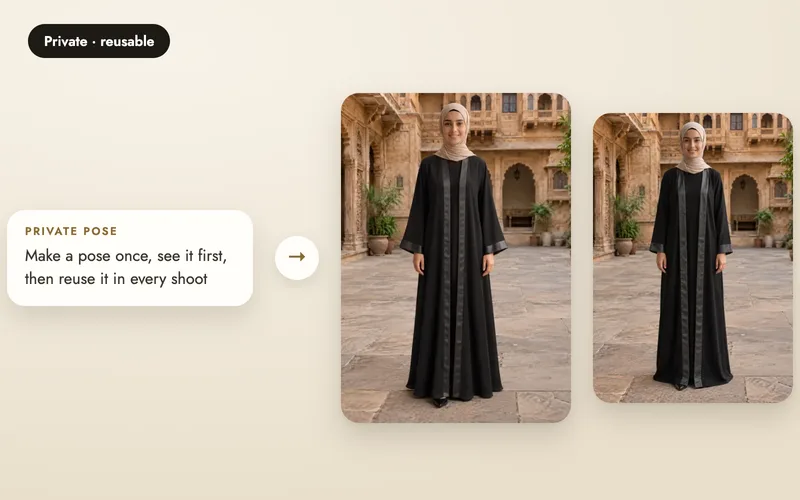
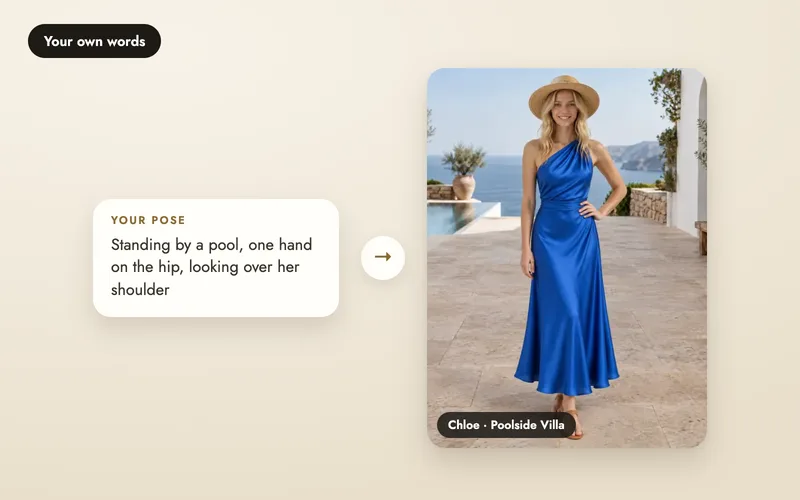
It works exactly like a private pose or scene, with one different choice.
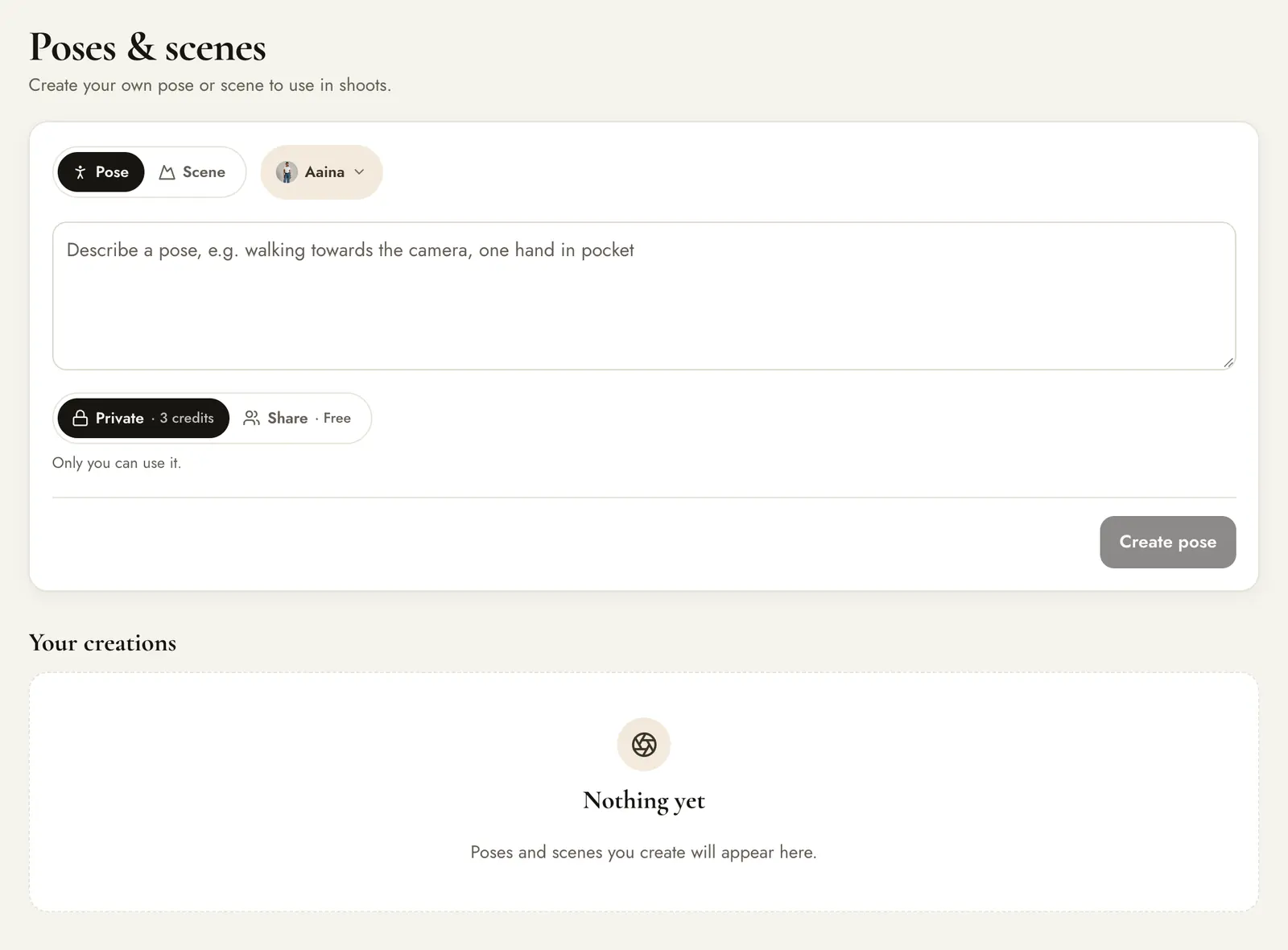
- Choose Share with community: others can use it after review.
- The create button then reads Free.
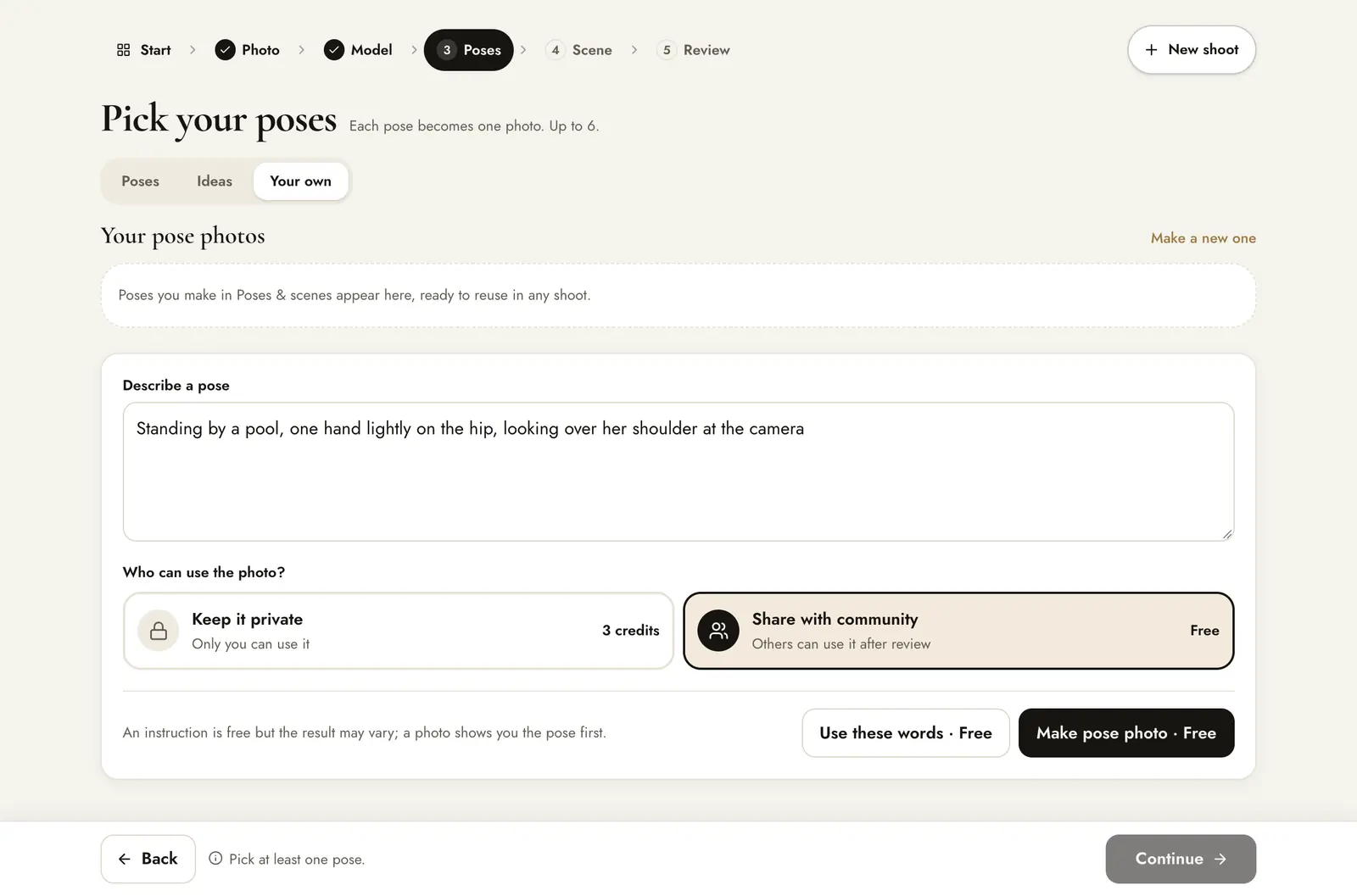
Inside a shoot, the same choice appears under Your own: pick Share with community and the button reads Make pose photo with the price shown as Free.
The daily allowance
- Up to 5 free creations in any 24 hours, counted from the time you make each one.
- Poses and scenes share the same allowance.
- Every request counts, including retries and any that fail.
- Over the limit, you can keep it private for 5 credits, or wait until your earlier ones are more than 24 hours old.
Review and approval
- You create it. It shows In review under Your creations.
- You can use it straight away in your own shoots, in the shoot that follows.
- Our team reviews it. If approved, a copy is added to the shared library and every A Pose Studio seller can use it for free.
- If it is not approved, it shows Not approved and stays usable in your own shoots.
Using community poses and scenes
Approved community poses and scenes appear in the pickers alongside the catalogue. Using one costs nothing extra; the product image is 5 credits as usual.
Good to know
- Once approved, others may be using it, so you can't delete it yourself. Email us if it should be removed.
- You can delete it while it is in review or if it was not approved.
- Anyone can report a shared item. Our team may remove any shared item at any time.
- Keep it about the pose or place: no text, logos or real people.