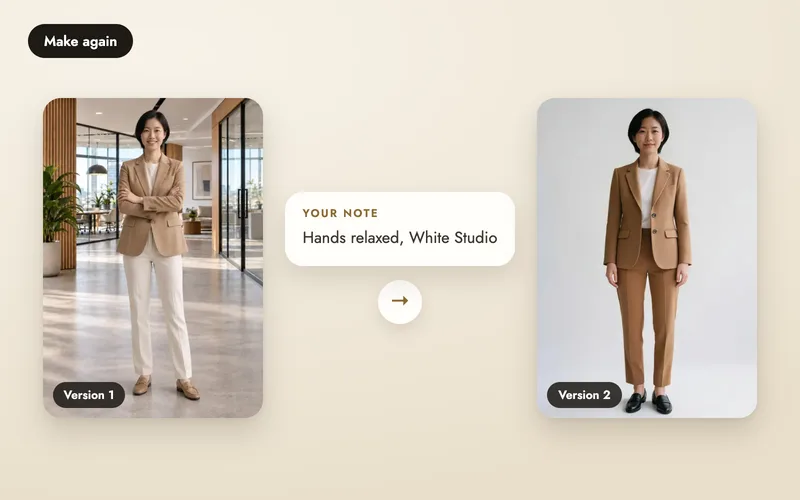
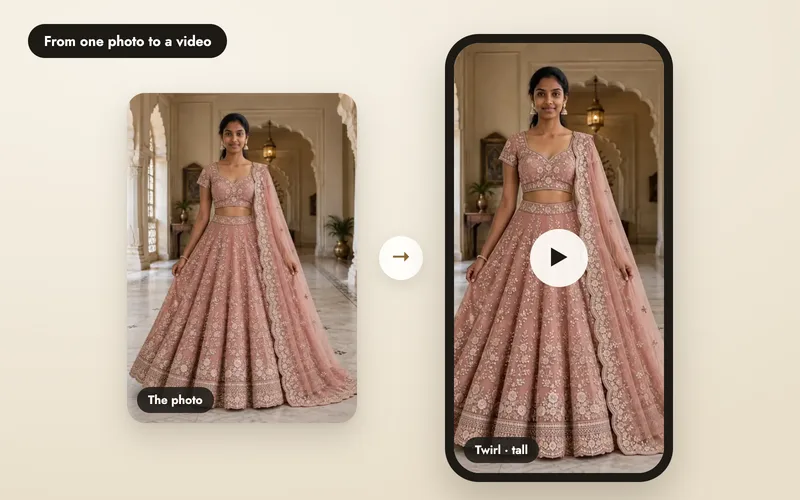
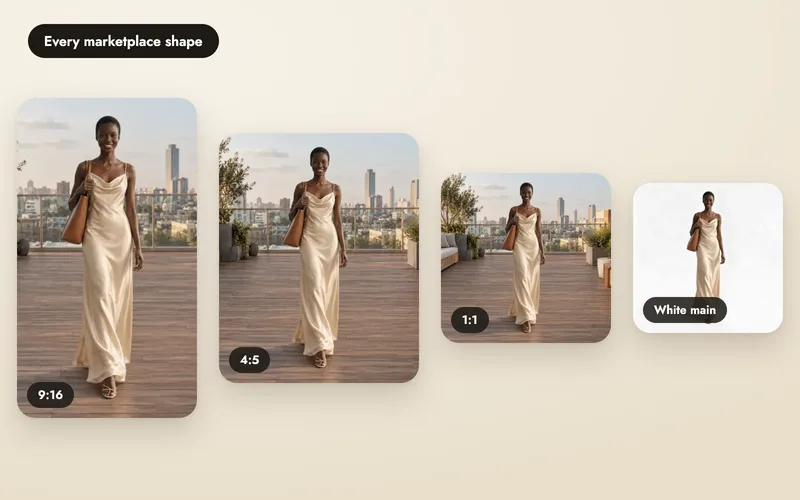
One shoot, four colours. Lucas wears the navy polo we photographed; the other three came from Other colours, with his face, pose and the rooftop unchanged.
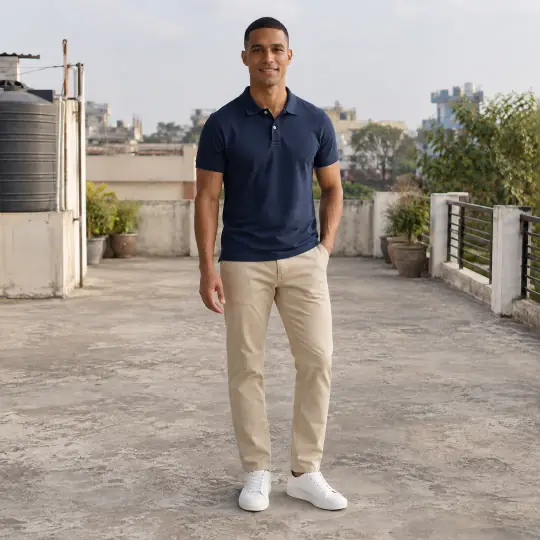
Original, navy
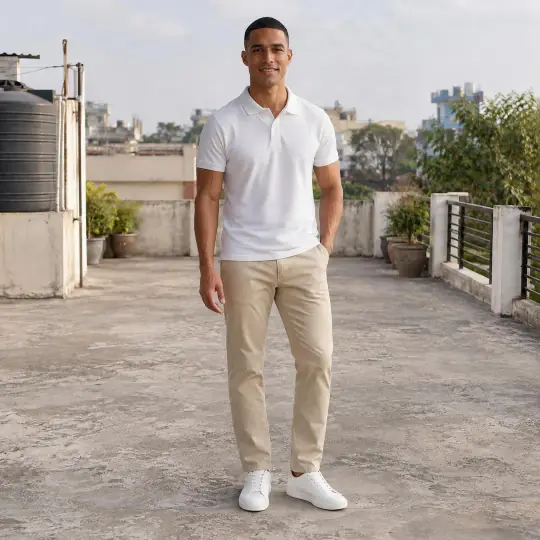
White
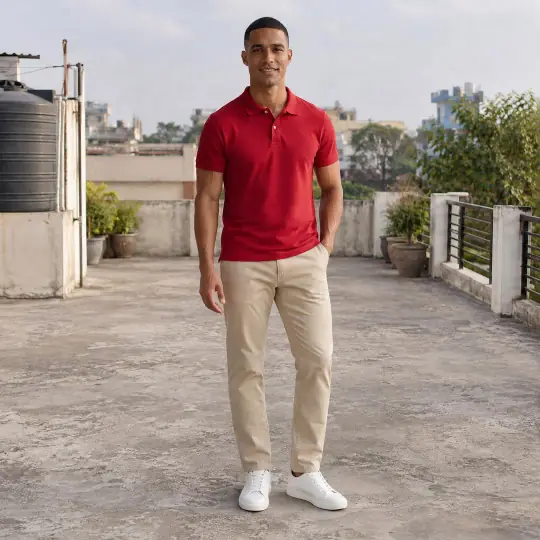
Red
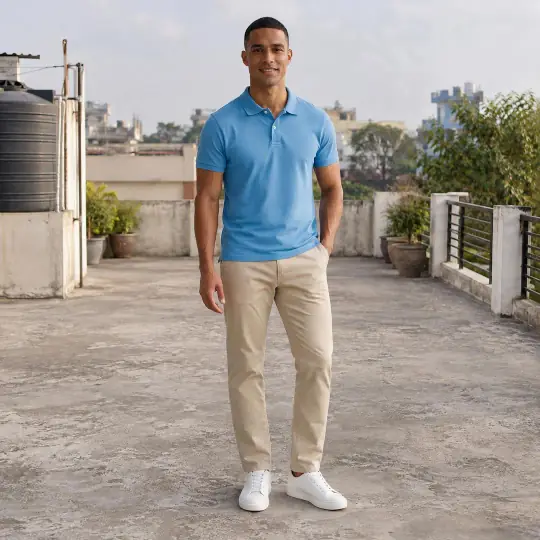
Sky blue
Both tools start from a finished image, so nothing else in the photo moves. See photo edits for the overview.
Other colours
Press Colours under the image. Tick the colours you want (up to 6 at once) from 19 swatches, or choose Your own to name one, then confirm. Each colour becomes a new image in the same shoot, labelled with the colour name.
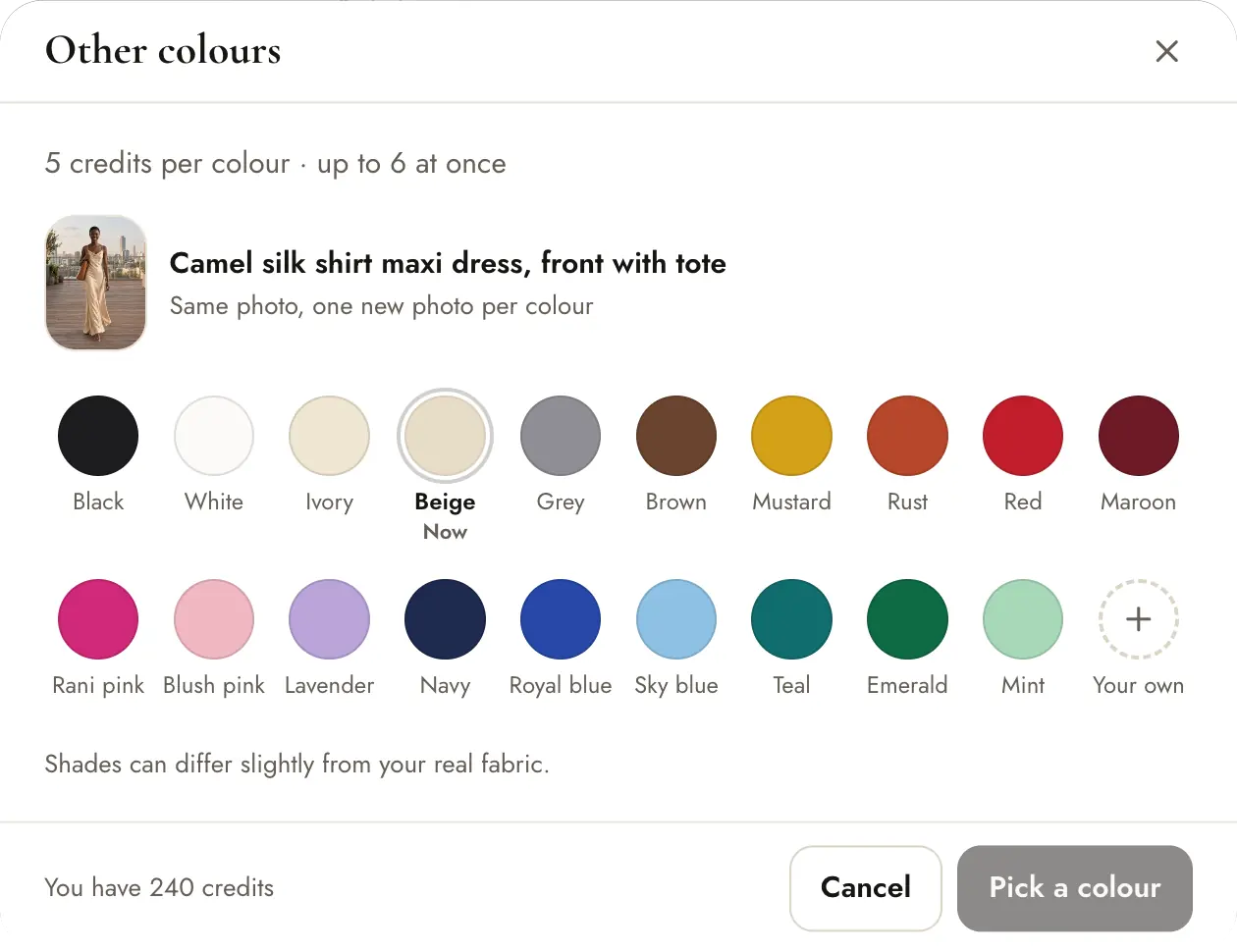
5 credits per colour. Shades can differ slightly from your real fabric, so check them against the product.
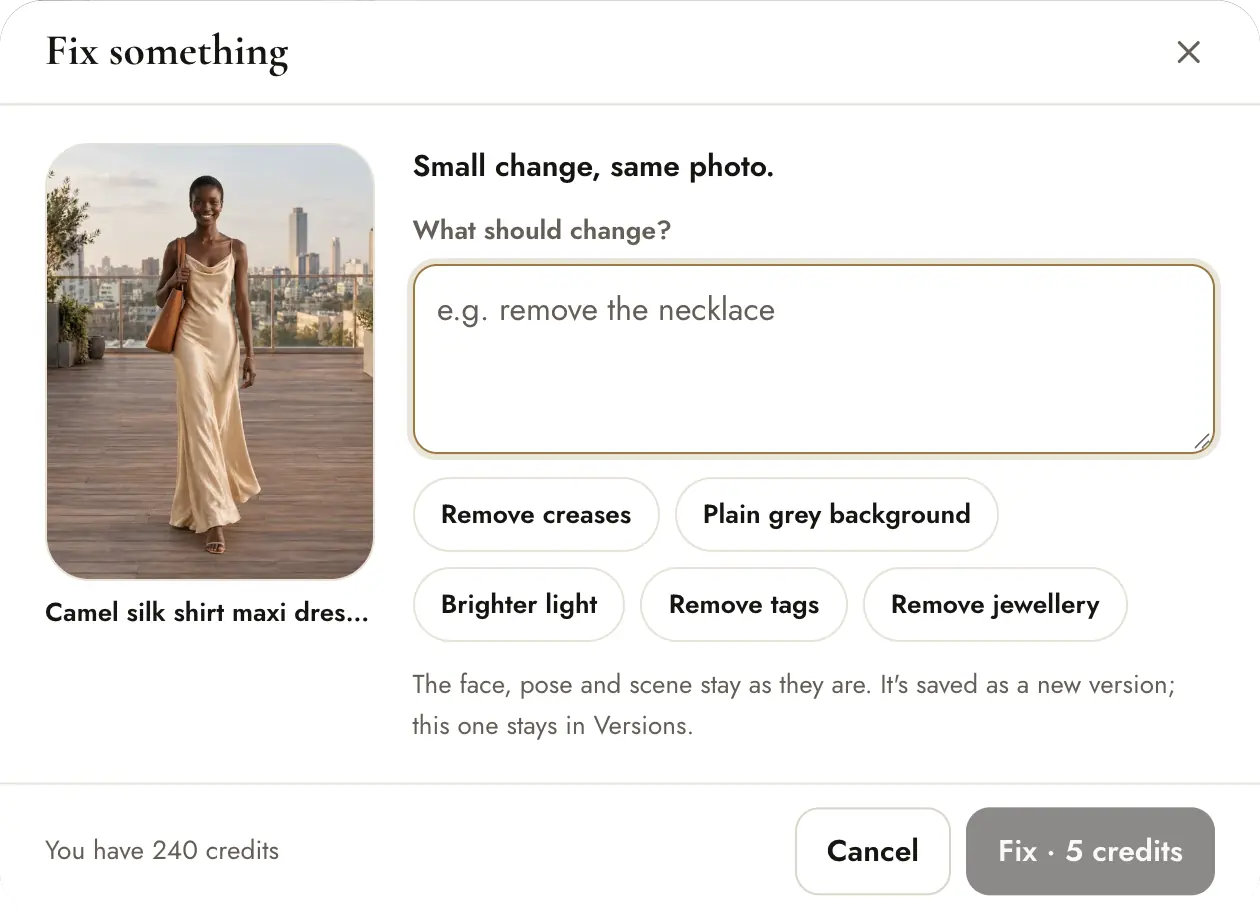
Fix something
Press Fix under the image. Tap a suggestion such as Remove creases, Plain grey background, Brighter light, Remove tags or Remove jewellery, or describe the change in your own words. Then press Fix · 5 credits. It makes a new version of the same image; History shows what was fixed.
Here the words used were “Remove the straw sun hat”. Everything else stayed as it was.
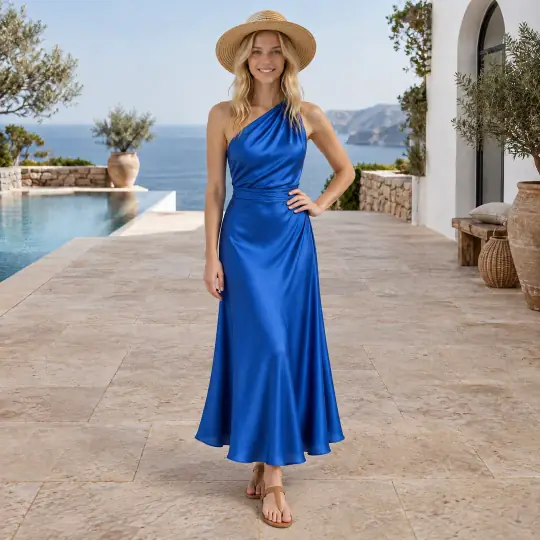
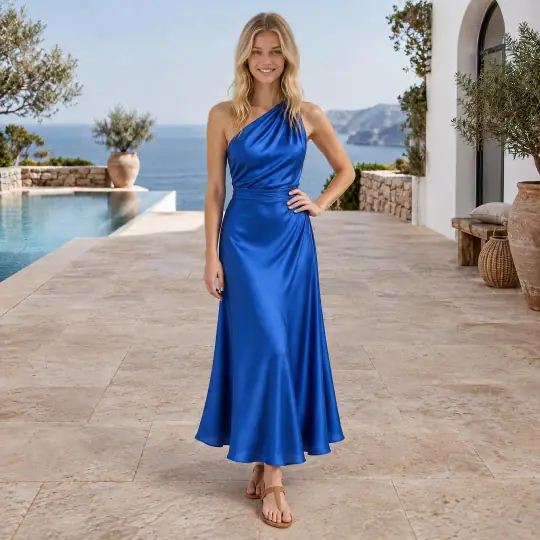
5 credits per fix. If it fails, the credits come back.
Tips
- Use Colours only for colours you really sell, and compare each with your real fabric.
- Fix one thing at a time for the cleanest result.
- Need a different pose or scene? Make the image again instead.
- Models under 18 can use Other colours; Fix something with your own words isn't available for them.
- Every version is kept, so you can go back to an earlier one.