
Create the link
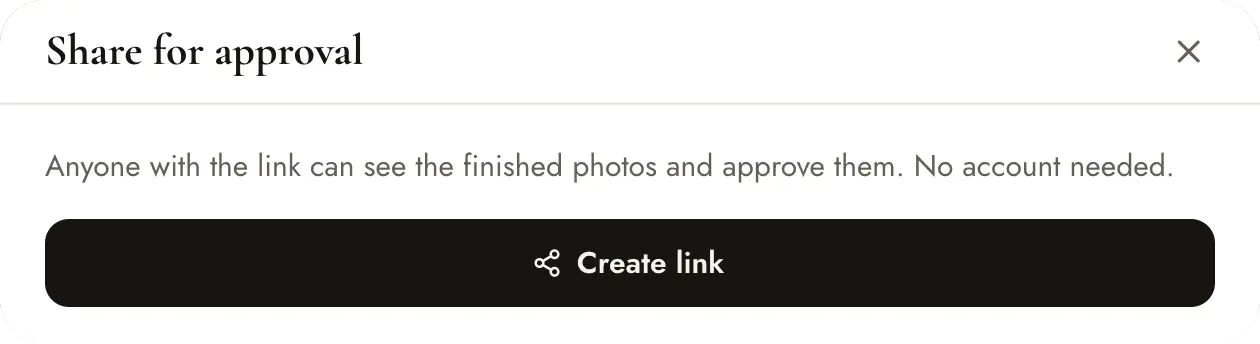
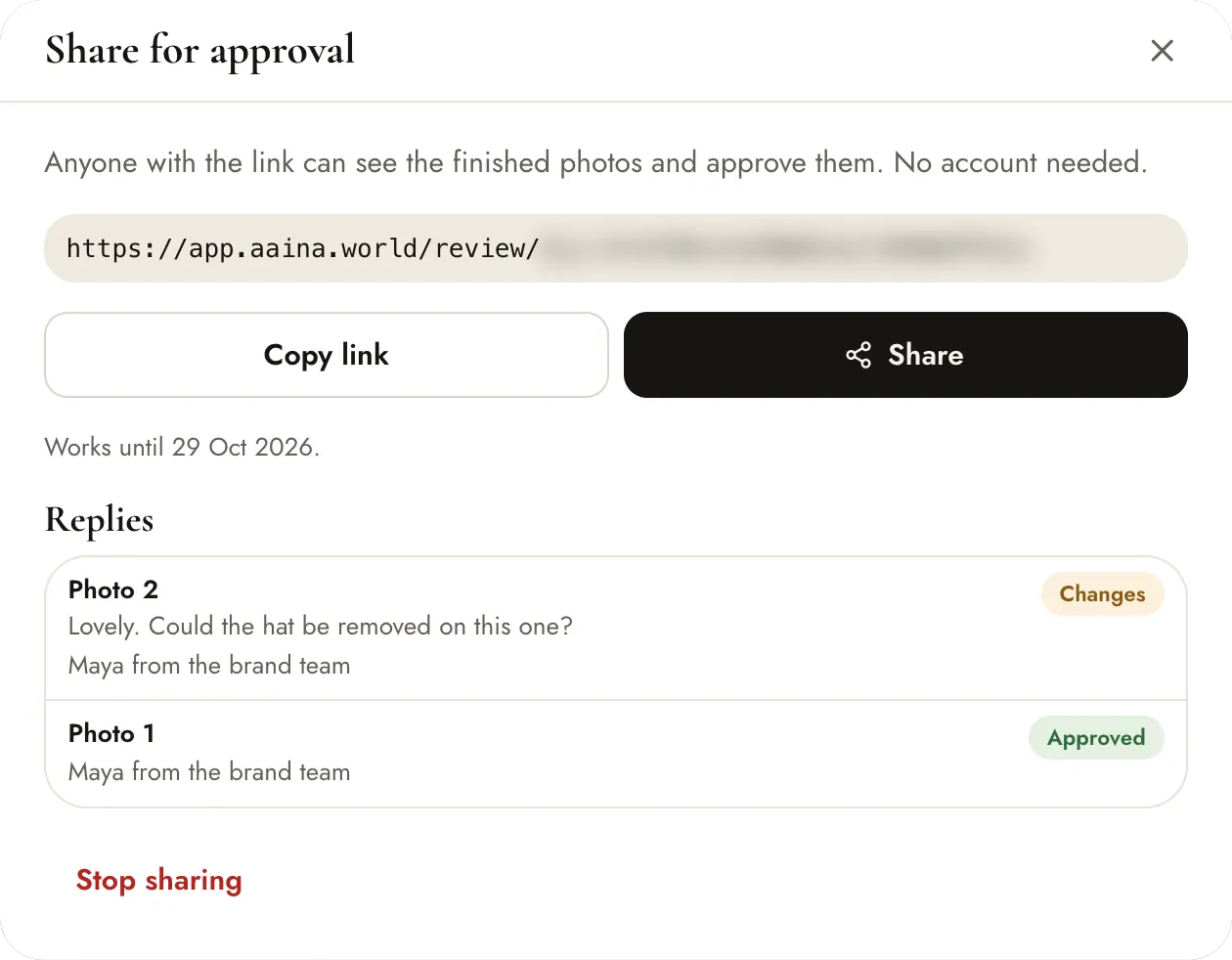
Open the shoot and press Share for approval. The window explains that anyone with the link can see the finished photos and approve them, with no account needed. Press Create link.
Once the link exists, the window looks like this.
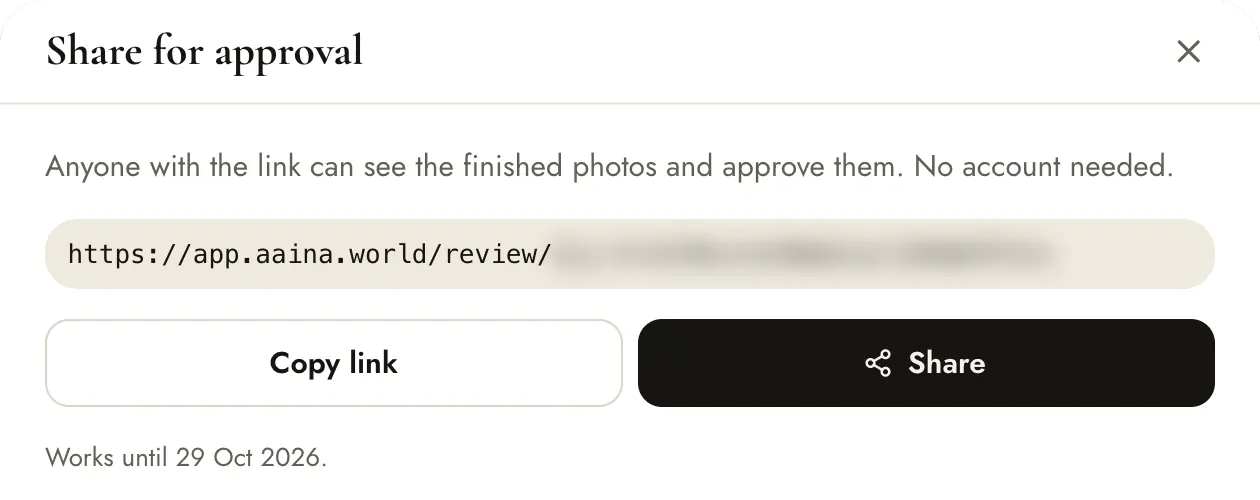
- Copy link copies it to paste anywhere.
- Share sends it through a messaging app, email or another app.
- The link works until the date shown, and Stop sharing switches it off at once.
The end of the link is blurred in these screenshots.
What your client sees
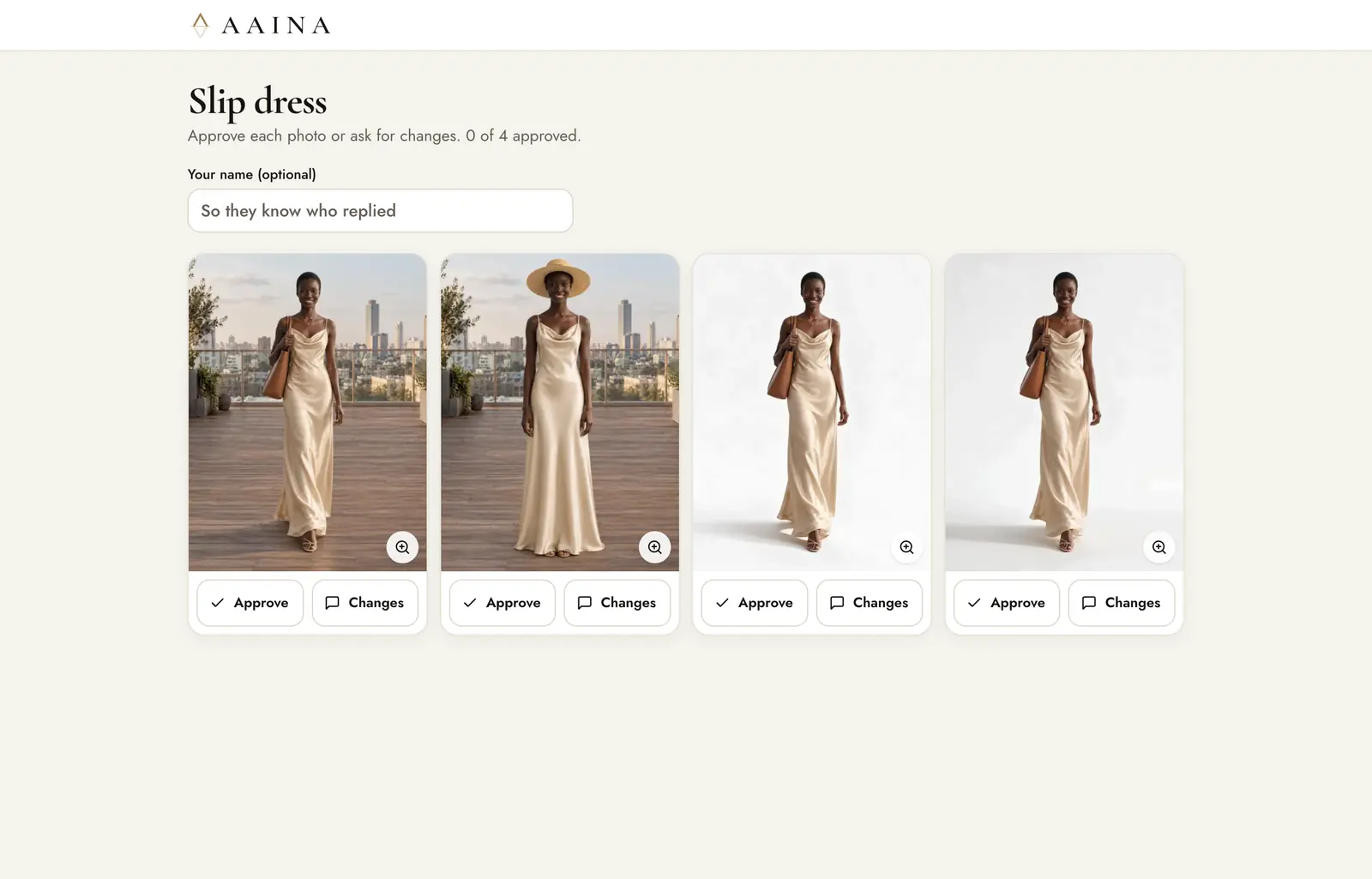
A simple page with each finished image and two buttons: Approve and Changes. They can add a comment and their name. They don't need an account, and there is no download button on this page.
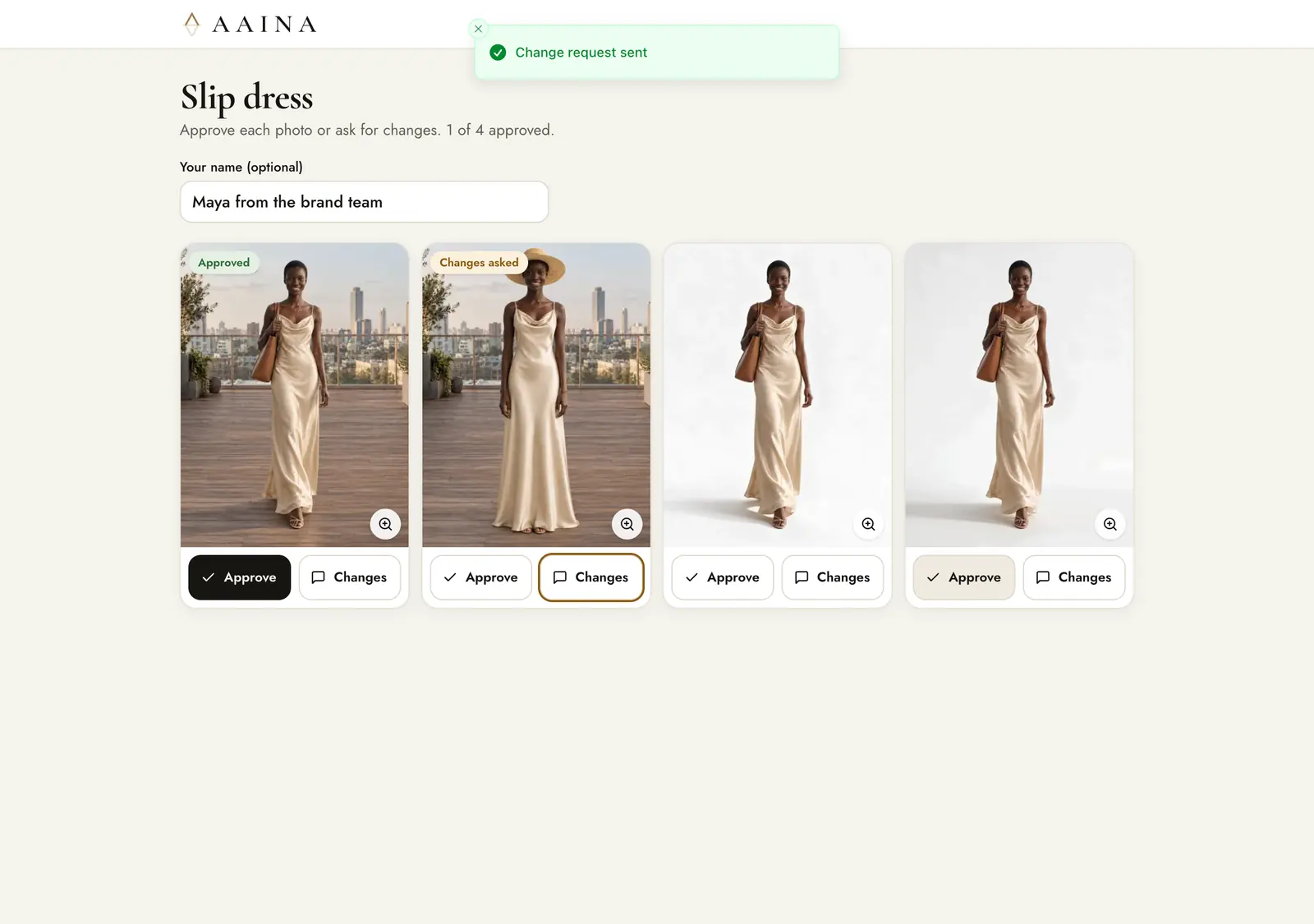
They add their name, approve the photos they like and press Changes to say what should change. The page confirms each reply.
Replies and changes
Every reply shows up in three places: a badge on the photo in your shoot, the list in Share for approval, and Notifications.
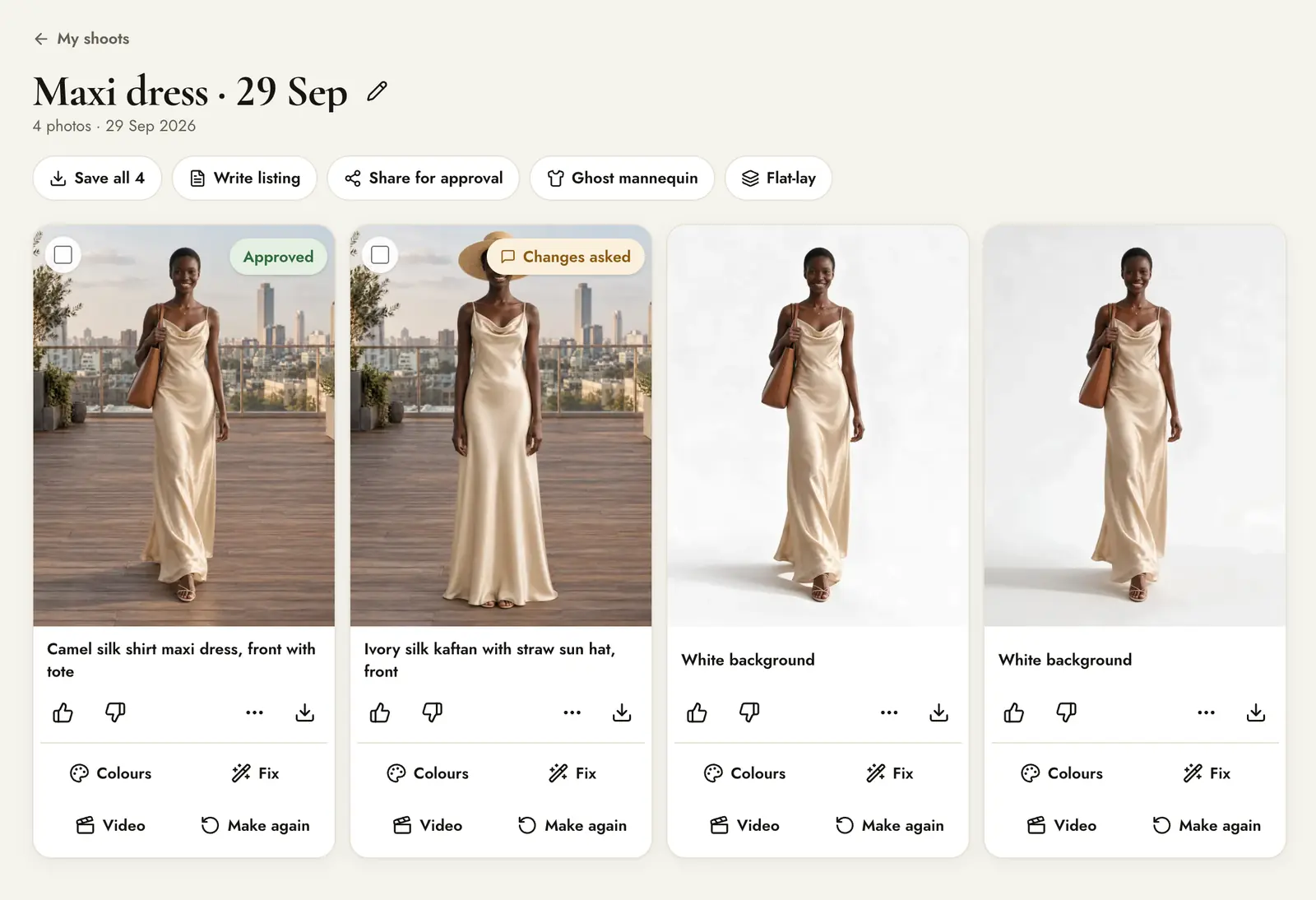
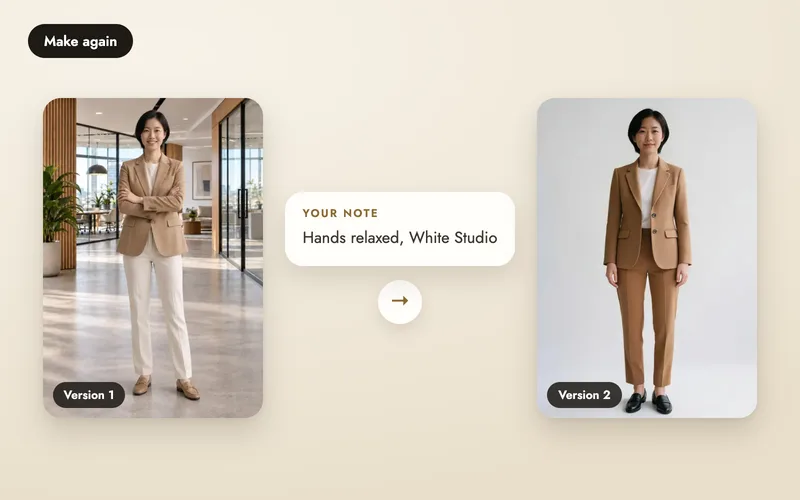
Open a photo with a change request and press Make again: the client's note is already filled in as what should change. It costs 5 credits, like any new version, and earlier versions are kept.
Privacy
- Only people with the link can open the page. Share it only with people you trust.
- Approval pages are kept out of search engines.
- The link shows the preferred version of each finished image.