Men's Sneakers · with Dev, Kenji and Rehan
AI men's sneaker photoshoot, from one product photo
Sneakers are judged on shape, sole and stitching. Photograph the pair from the side and at an angle, laces done up. Dev, who wears a prosthetic leg, shows that every customer can see themselves in your shoes.
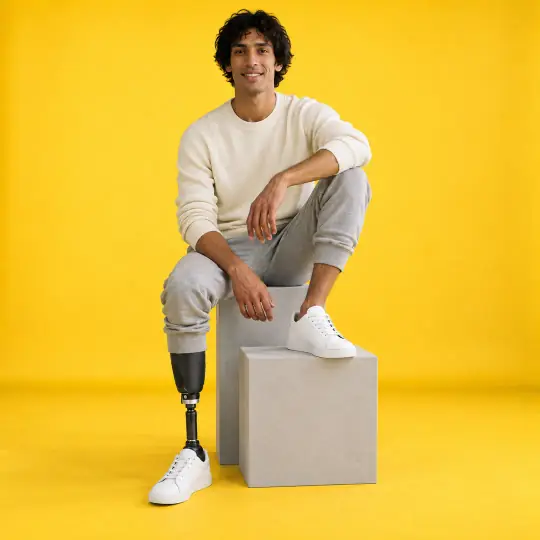
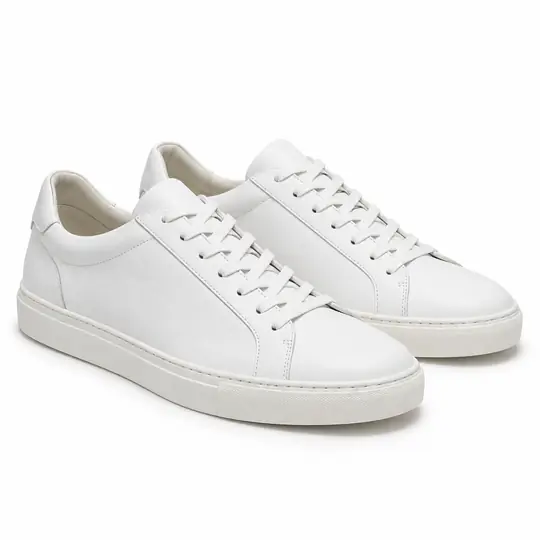
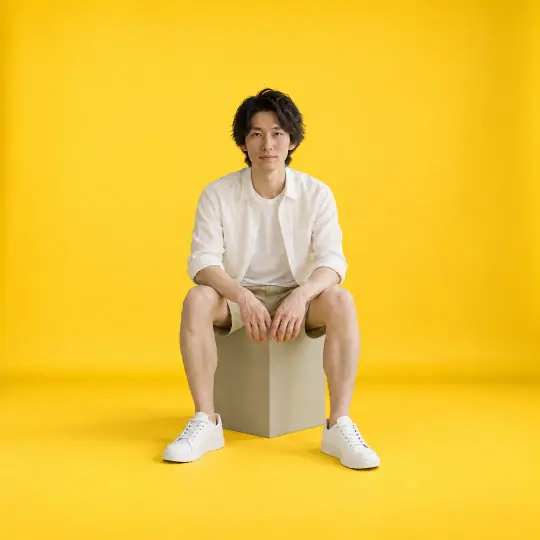
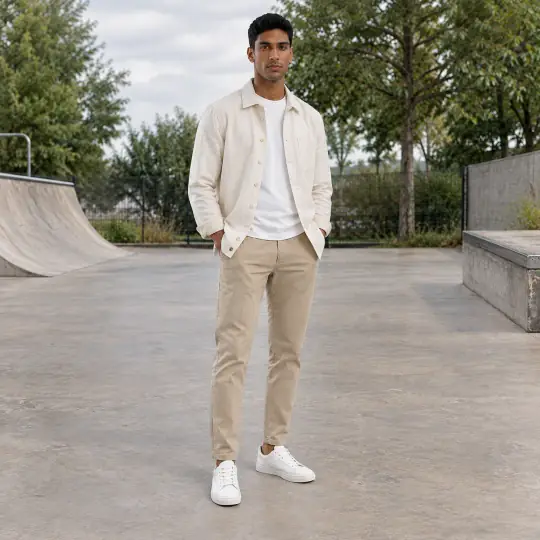
Shown here: Dev, Kenji and Rehan, A Pose Studio models. The photo in the corner of the first image is the one product photo it was made from. Made in the A Pose Studio app, for 5 credits an image; the product photos are AI-generated and unbranded.
Before you upload
The product photo
- Photograph one shoe side on and one at an angle.
- Add a close-up of the sole, the heel or any detail.
- Clean the shoes first; every mark shows.
More in preparing product photos.
In the app
Poses and scenes that work
- A heel rear view shows the heel and the back of the sole.
- Mid-step: the shoe in motion, the most natural view.
- A side profile gives the full silhouette for the listing.
Trendy and studio scenes such as Mustard Studio suit sneakers; choose poses where the feet are clearly in frame.
Choose the model your buyers look like
A Pose Studio has 40+ models, so you can show the same product on a young slim model, a plus-size or mature one, or a model who wears a turban or a prosthetic leg. On the Model step of Create, filter by gender, age, ethnicity, body type or collection, or browse first on the models page. The price is the same for every model: 5 credits an image, ₹12 to ₹15$0.35 to $0.50 depending on the pack. Pricing.
What to check before you publish
Compare each image with your product photo: the size next to the model, the colour, and details such as the dial, the lenses or the hardware. Retry any image with a note on what should change; every version is kept. How to retry. Also see everything else A Pose Studio makes for a listing.