Flat-lay
Flat-lay photos without the styling table
Give A Pose Studio a product photo and choose a style. You get overhead product shots that show the piece on its own, folded, styled with props, or as part of an outfit.
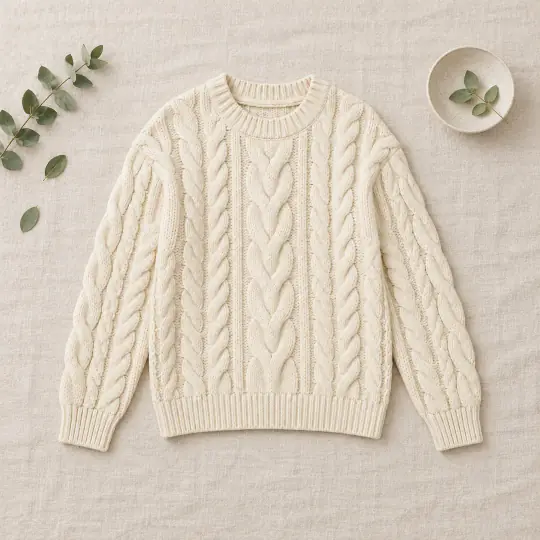
Made in the app
One sweater, three styles
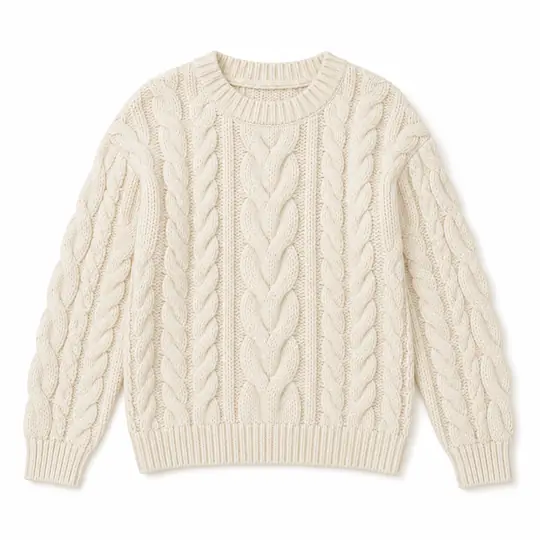
Your photo
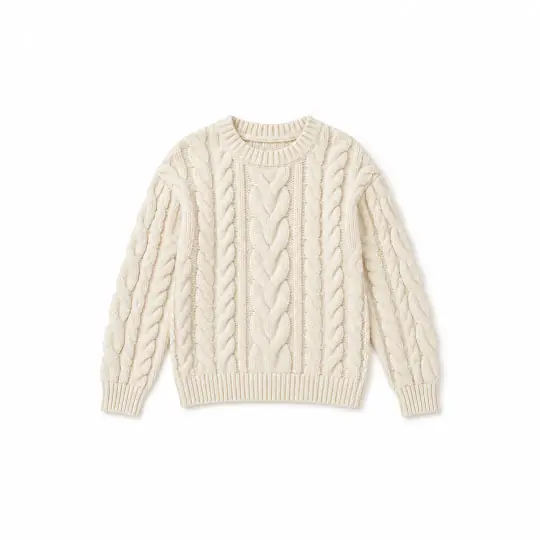
Clean
Styled
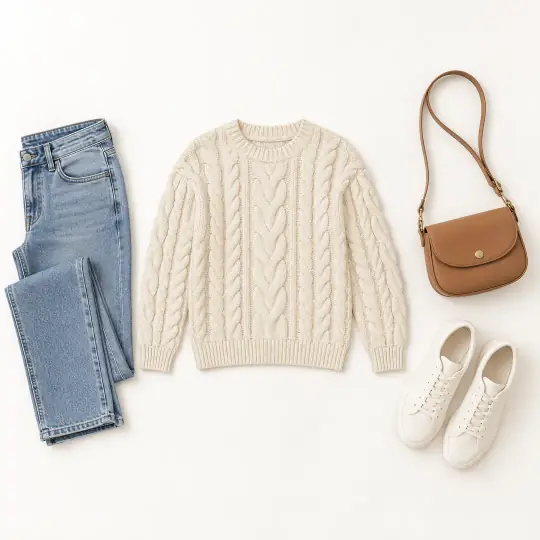
Outfit
Made in the A Pose Studio app from the one photo on the left, 5 credits per style. Neatly folded is the fourth style.
How it works
Three steps
- Add your productUpload a photo of the piece.
- Choose stylesPick one or more: Clean, Neatly folded, Styled or Outfit.
- DownloadEach style comes as its own image in the shoot.
What it costs
Per style
5 credits per style
- Outfit can include your own pieces: 1 extra credit for each piece photo you add.
- Example: Clean and Folded is 10 credits. Outfit with two of your own pieces is 7 credits.
Introductory prices today. Credits never expire. See the packs.
Good to know
Before you start
- Flat-lays work for clothing, accessories and more, and pair well with on-model photos in one listing.
- Check the product against your photo before you publish.
- Download in each marketplace's shape from the Save window.
Questions
Flat-lay FAQ
What styles can I choose?
Clean, Neatly folded, Styled and Outfit. Each is priced separately.
Can I use my own pieces in an outfit?
Yes. Add photos of your other pieces to the Outfit style. Each one adds 1 credit.
Do I need props?
No. Styled includes suitable props and surfaces for you.
More from A Pose Studio
Keep going
Every feature works on the same shoots and the same credits.