Try on me
See it on you before you shoot it
Add one photo of yourself and one product photo. A Pose Studio shows you wearing it, with your own face, body, pose and background kept as they are. Useful for founders, stylists and creators who want to see the fit on a real body.
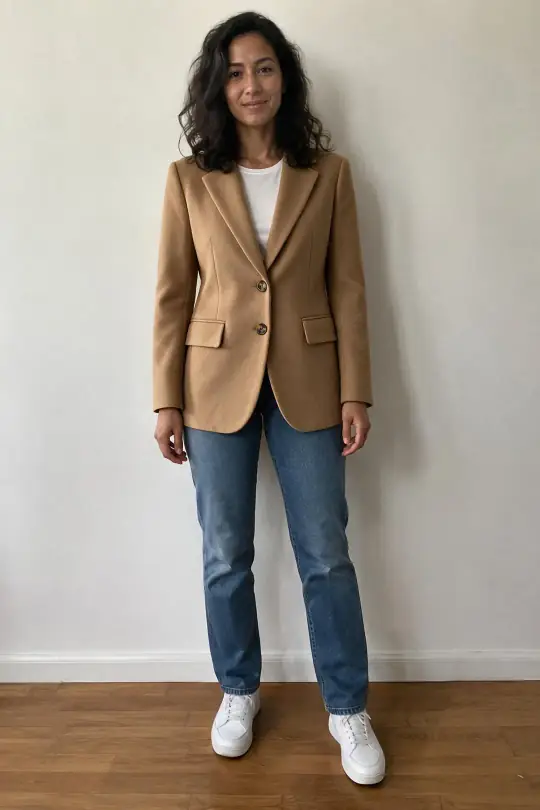
Made in the app
Your photo, a product, you wearing it
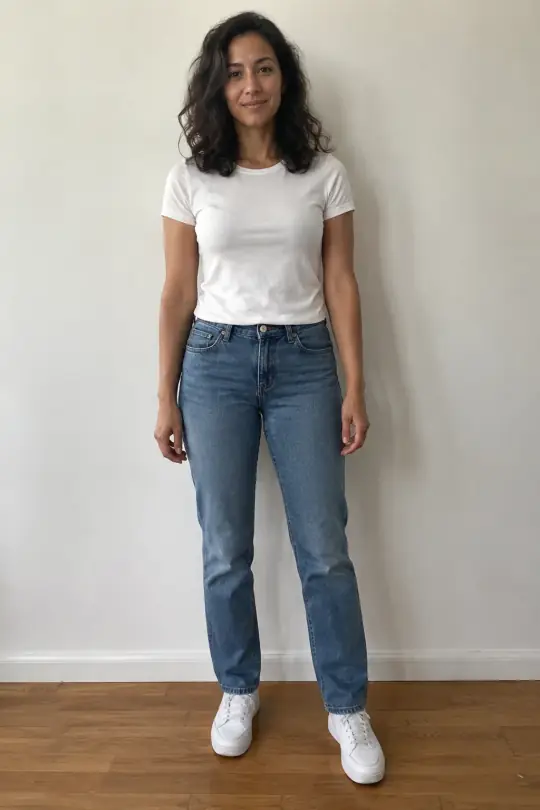
Your photo
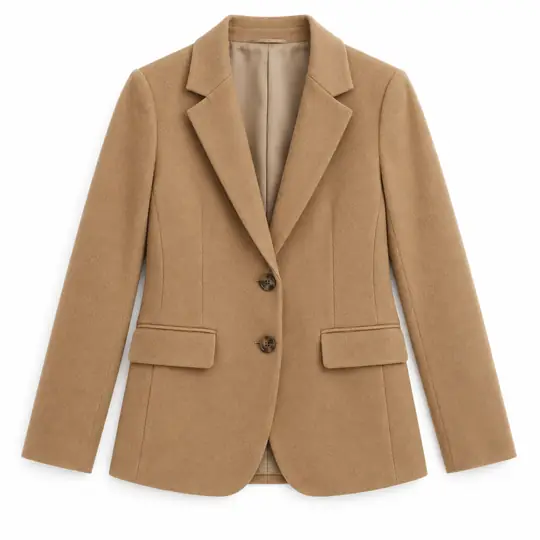
The product
Try-on · 5 credits
Made in the A Pose Studio app. The person here is AI-generated for this example; in the app you use a photo of yourself.
How it works
Three steps
- Add your photoOpen Try on me, confirm the photo is you and that you are 18 or older, and add a photo: just you, facing the camera, head to waist or more. Full length is best.
- Pick a productUpload a front photo of the product, or choose one of your products from earlier shoots.
- Try it onPress Try on. Compare, zoom, save or share the result, try another product, or make it again.
What it costs
Per try-on
5 credits per try-on
- Each try-on is 5 credits.
- Make again for a new version at the same price.
- Credits come back if a try-on fails.
Introductory prices today. Credits never expire. See the packs.
Good to know
Before you start
- Only you can see your photos and try-ons, and you can delete them any time.
- Use a photo of yourself only, with no one else in it, in good light.
- For your customers' listings, use the studio models instead: they come with poses and scenes.
Questions
Try on me FAQ
Who can see my photo?
Only you. Your photos and try-ons are private to your account, and you can delete them any time.
What photo works best?
Just you, facing the camera, in good light. Full length shows the most; a selfie shows the top half.
Can I try on a product for someone else?
No. Try on me is for photos of yourself, and you confirm that the photo is you and that you are 18 or older. For product photos on a model, choose one of the studio models.
More from A Pose Studio
Keep going
Every feature works on the same shoots and the same credits.