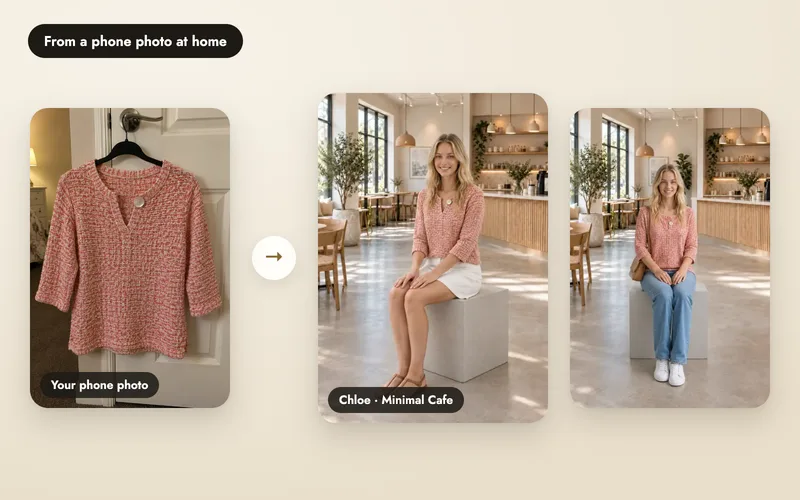
Listing text comes from what A Pose Studio read from your product photo and what you confirmed in the product details, so it doesn't invent fabric, sizes, brand or claims. See the listing writer page for the overview.
Save the sites you sell on
In Settings, under My marketplaces, choose your sites (25+ are supported). The same list is used for downloads and for listings.
Press Write listing
Open a finished shoot and press Write listing at the top. A Pose Studio writes for every site in your list at once. The cost is shown before you confirm: 2 credits for 1 to 6 sites, 4 for 7 to 12, and so on.
2 credits for every 6 sites per run. If it fails, the credits come back.
Read and copy
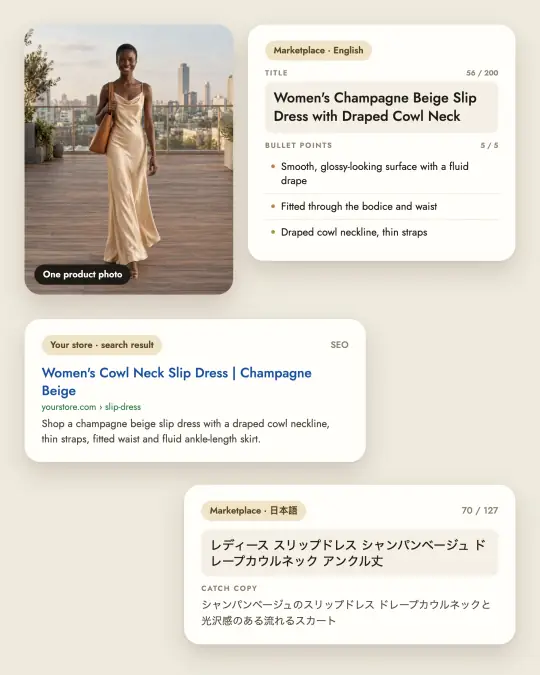
The results window has a tab for each site. Each shows the Title with a live count, five bullet points, the description and search terms with a byte count, and a Copy button on each field. Copy all copies the whole listing for that site as plain text.
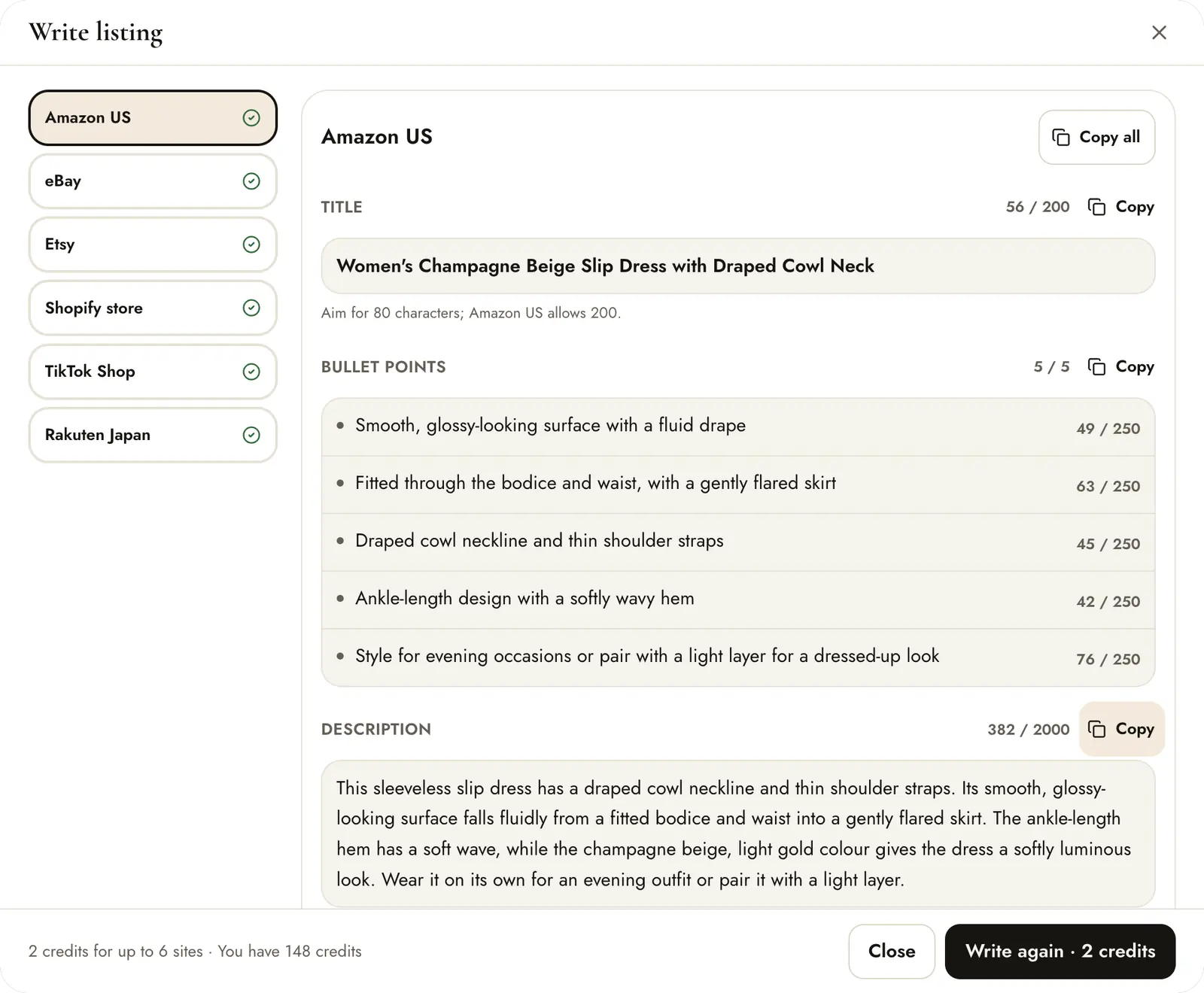
Not right? Write again · 2 credits makes a fresh version.
Check the other languages
Each site is written in its own language and within its own limits. On the Rakuten Japan tab the title, catch copy and description are in Japanese.
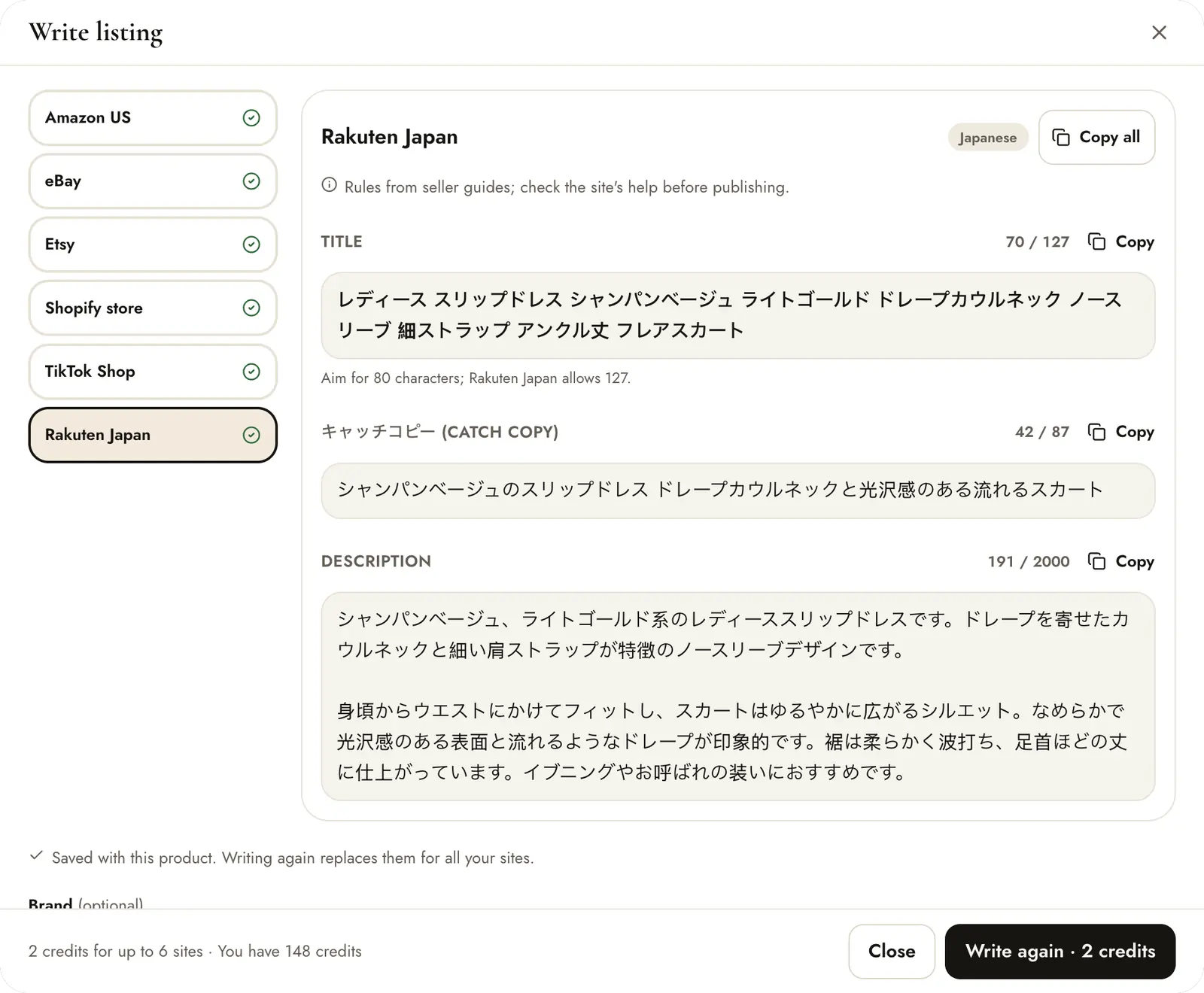
Tips
- Confirm the product details first (type, fabric, fit) so the listing states only what is true.
- Sites publish their own rules and change them. Check a site's current guidelines before you publish.
- Add the details a photo can't show, such as sizes and care, yourself after copying.
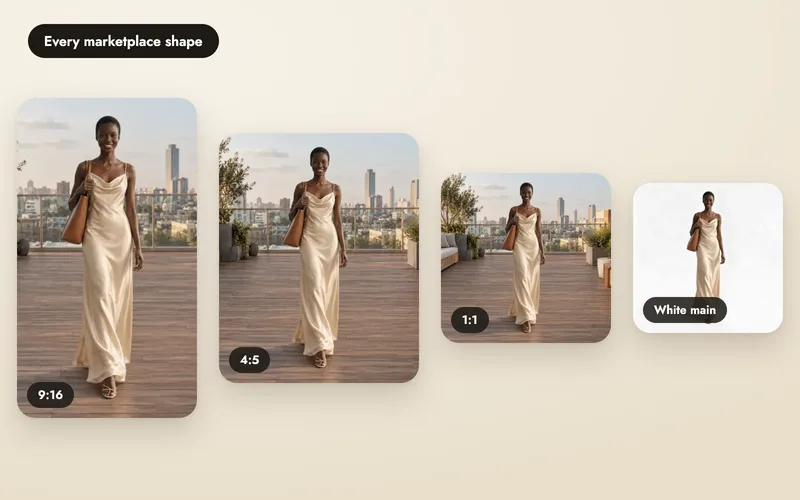
- Save your photos in each site's shape with marketplace downloads.