1
Choose how to start
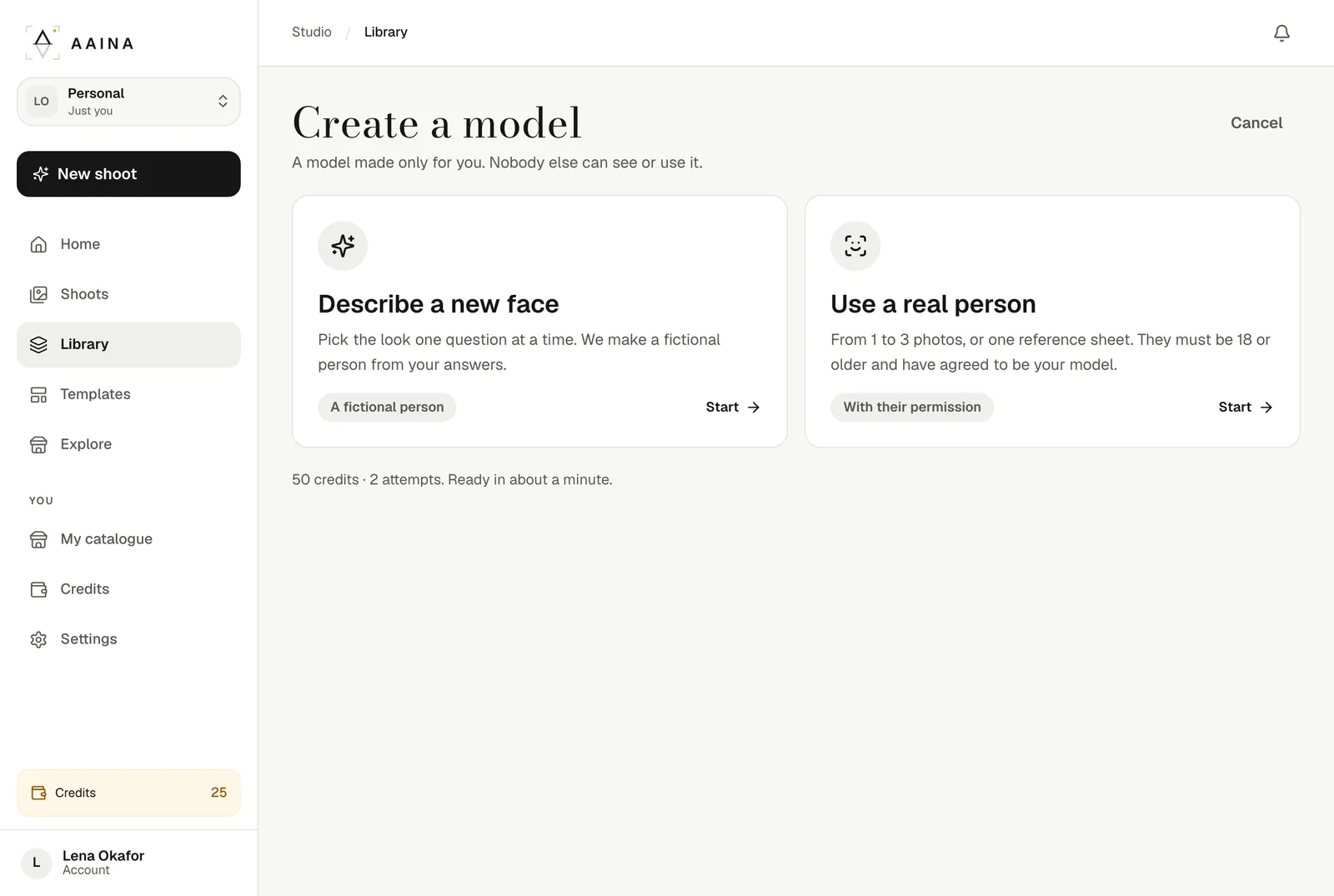
Open Library, then Models, and create a model. Start from a description (face, hair, skin tone, body, age) or from one to three photos of a real adult.
2
Pick a face
From a description, each attempt shows three faces made by AI; pick the one you like and A Pose Studio makes the model's reference photos from it, usually in about a minute. From real photos, the reference photos are made straight from them.
Cost
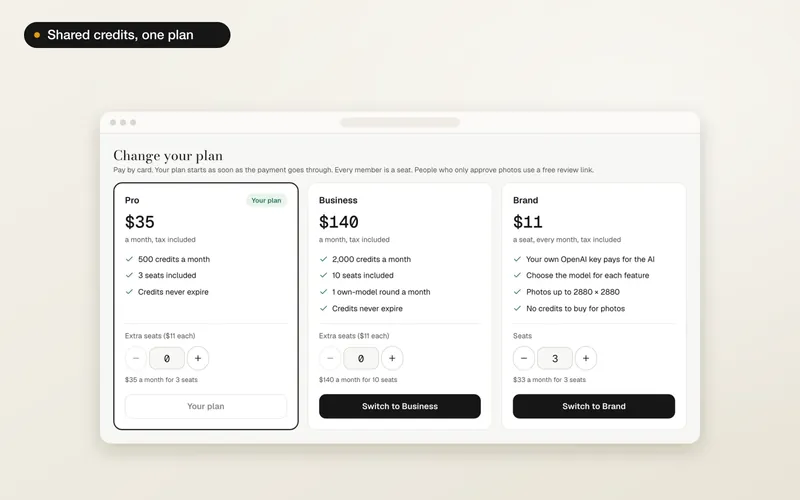
50 credits buy a round of two attempts. If no attempt makes a usable model, the credits come back. The Business plan includes one round a month.
3
Use your model
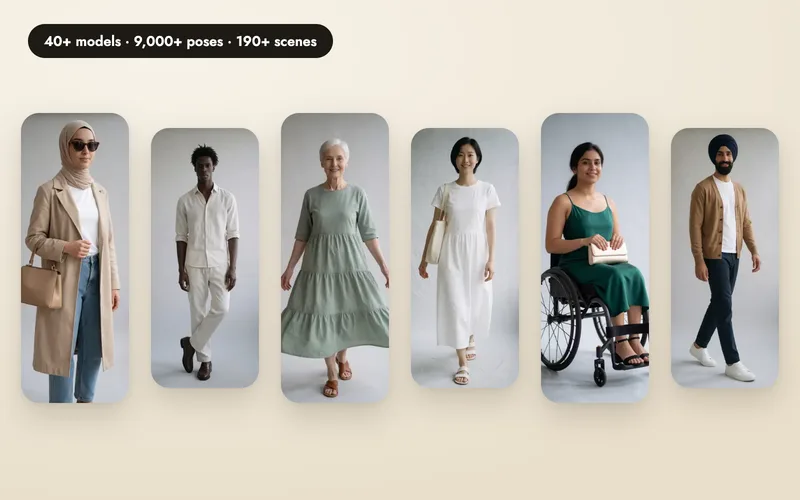
Your model appears in the model step of every shoot, beside the studio models, and can wear your products in the poses shared by models like them. Only your studio, or your brand's team, can see or use it.
Rules for real people
- One real adult, 18 or older, who agreed to be used as a model. Not a well-known person.
- You confirm their consent once, and each photo is checked before anything is charged.
- Deleting a model deletes its reference photos. Photos you already made stay in your shoots.