Owner
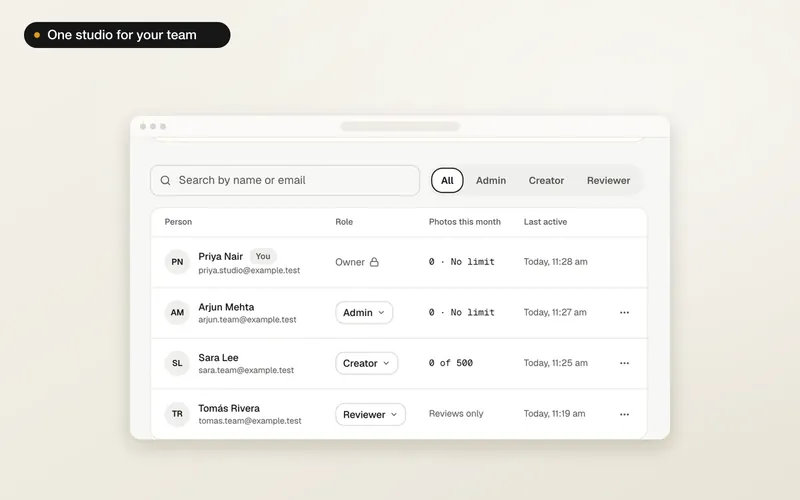
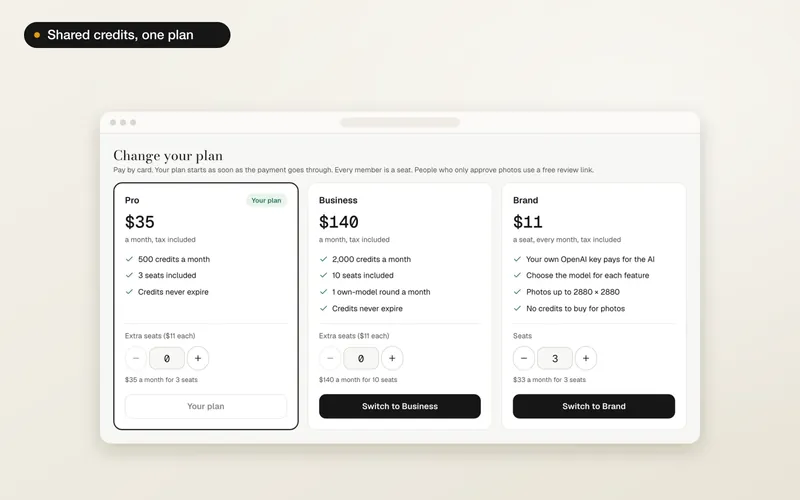
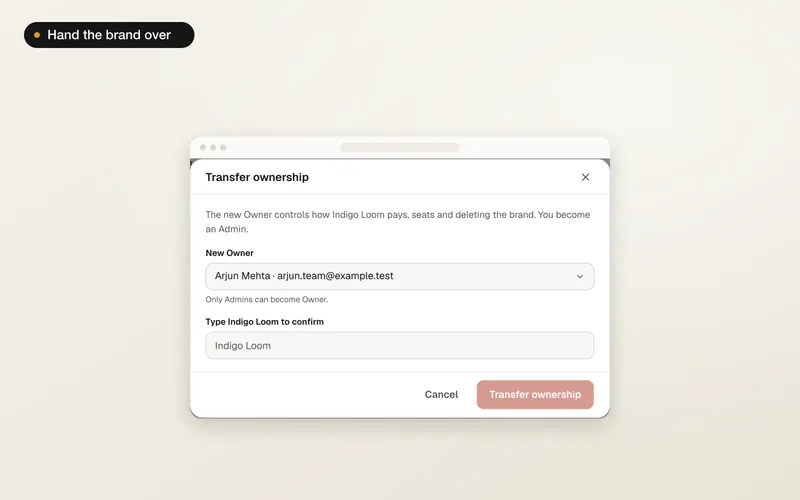
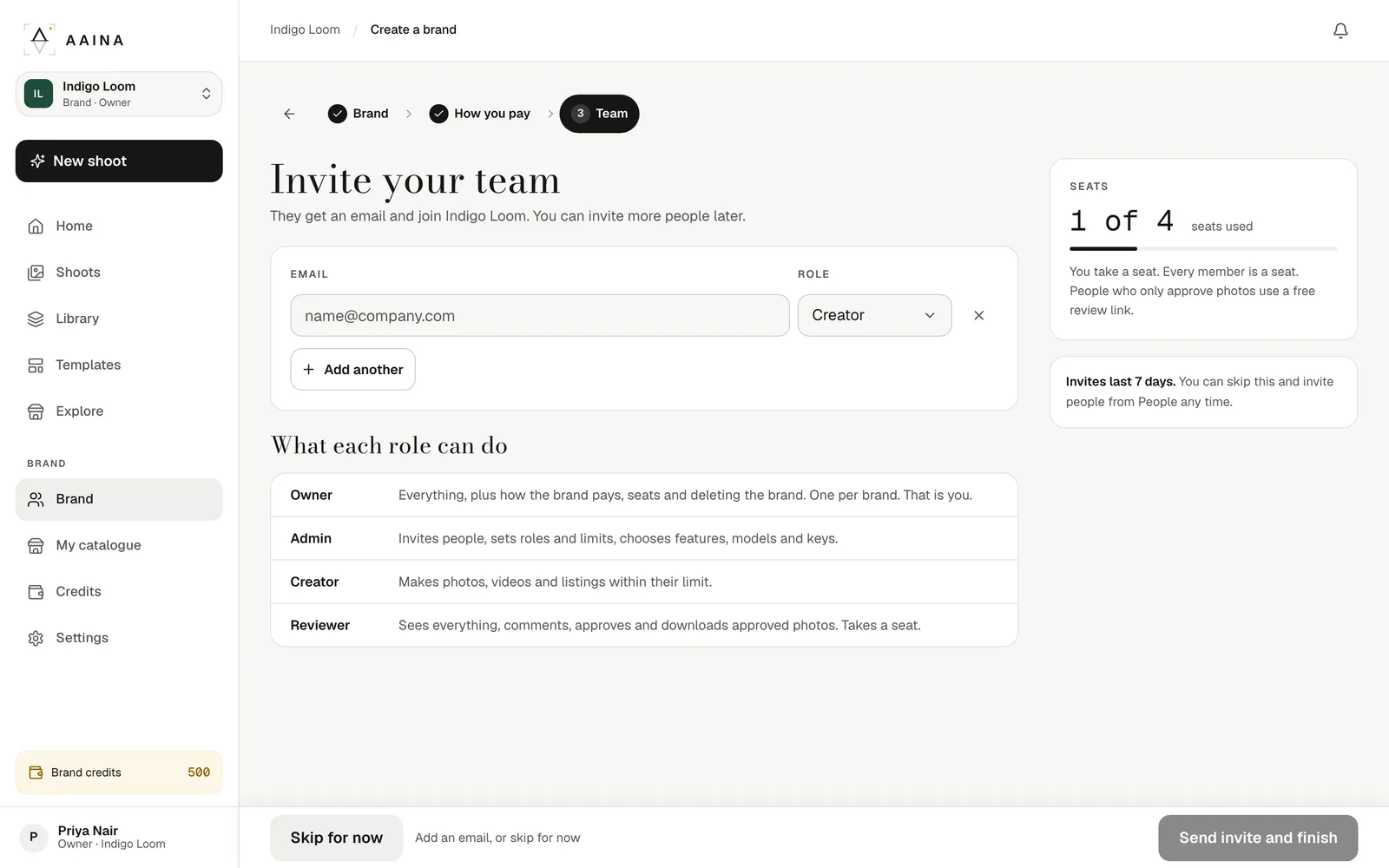
One per brand: the person who created it, or who it was handed to. The Owner can do everything an Admin can, plus choose and change the plan and seats, buy top-ups, see invoices, replace or remove the OpenAI key, hand the brand over and delete it.
Admin
Admins run the team. They invite and remove people, set roles and monthly credit limits, choose which features and models the brand uses, decide what Creators see, edit the brand's name, colour, logo and public catalogue, and can add and test an OpenAI key. They always see credits and costs, but can't change the plan or delete the brand.
Creator
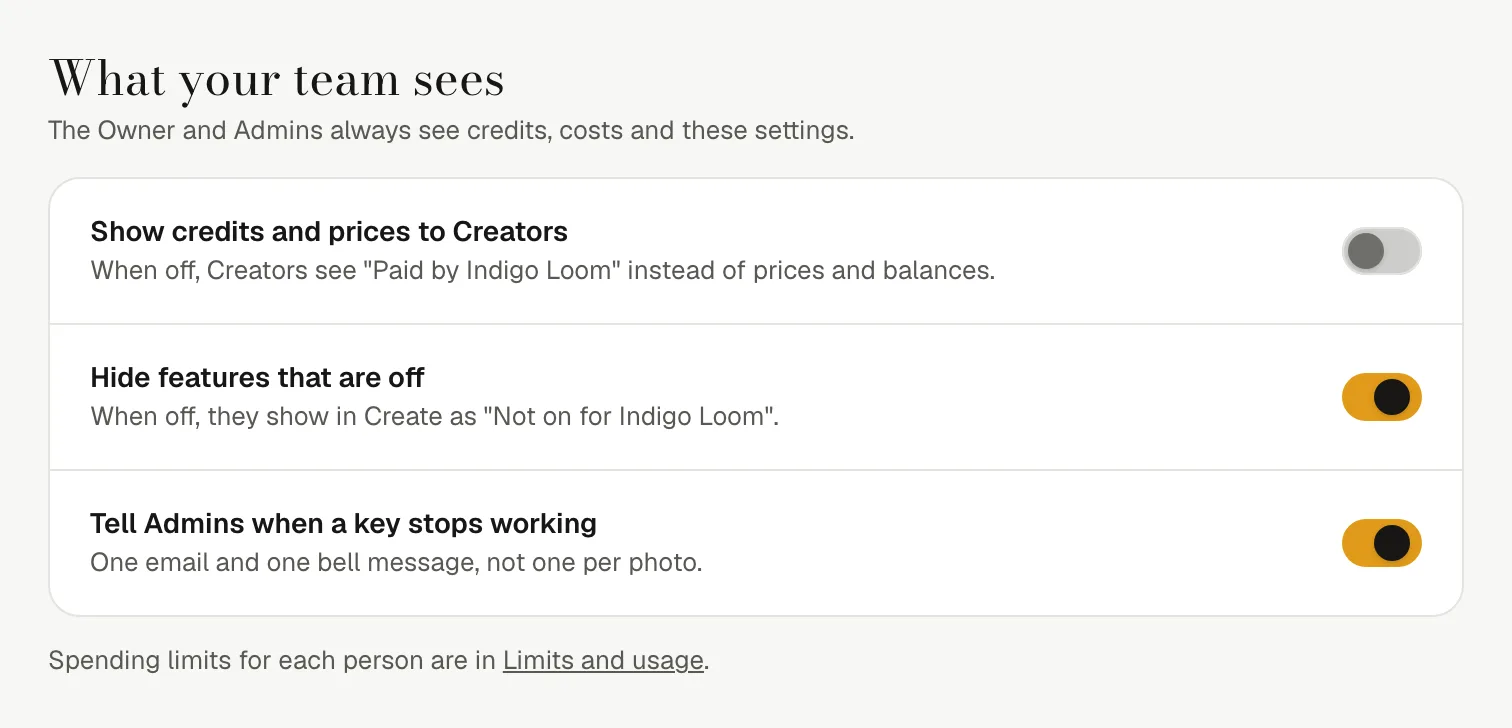
Creators make photos, videos and listings for the brand, within their monthly credit limit if they have one. They can add products and their own poses and scenes, and delete what they made. By default they see "Paid by" your brand instead of prices and balances.
Reviewer
Reviewers see everything the team makes and can download photos, but can't make anything or spend credits. A Reviewer takes a seat. For a client who only needs to approve photos, a free review link is often simpler.
Side by side
| Who can | Owner | Admin | Creator | Reviewer |
|---|---|---|---|---|
| Make photos, videos and listings | Yes | Yes | Yes | No |
| See every shoot and photo in the brand | Yes | Yes | Yes | Yes |
| Invite people, set roles and credit limits | Yes | Yes | No | No |
| Choose features, models and what the team sees | Yes | Yes | No | No |
| Brand name, colour, logo and public catalogue | Yes | Yes | No | No |
| See credits, costs and invoices | Yes | Yes | If shown | No |
| Add and test an OpenAI key | Yes | Yes | No | No |
| Replace or remove the OpenAI key | Yes | No | No | No |
| Plan, seats, top-ups, hand-over and delete | Yes | No | No | No |
Who sees money
The Owner and Admins always see credits, costs and settings. Creators see prices and the brand's balance only if an Admin turns on Show credits and prices to Creators in AI and features. When it is off, Creators see "Paid by" your brand instead.