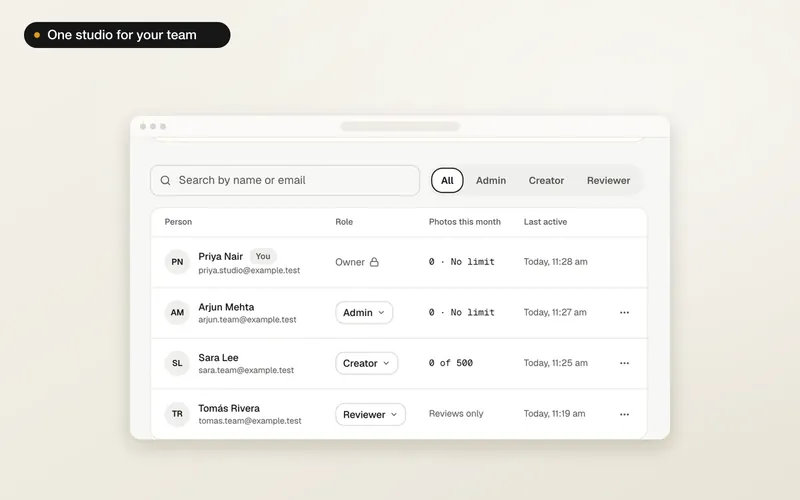
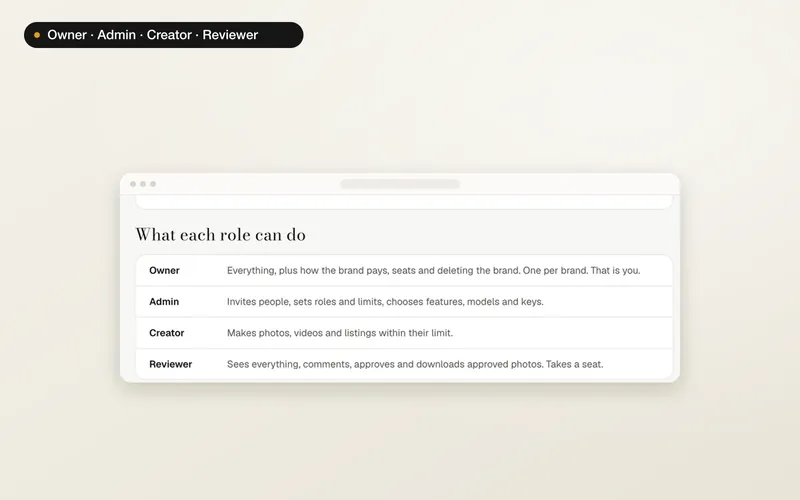
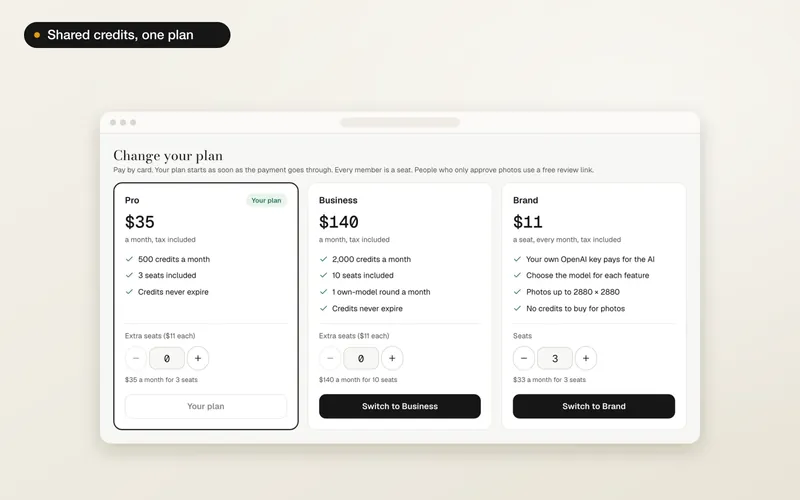
1
Open the studio menu
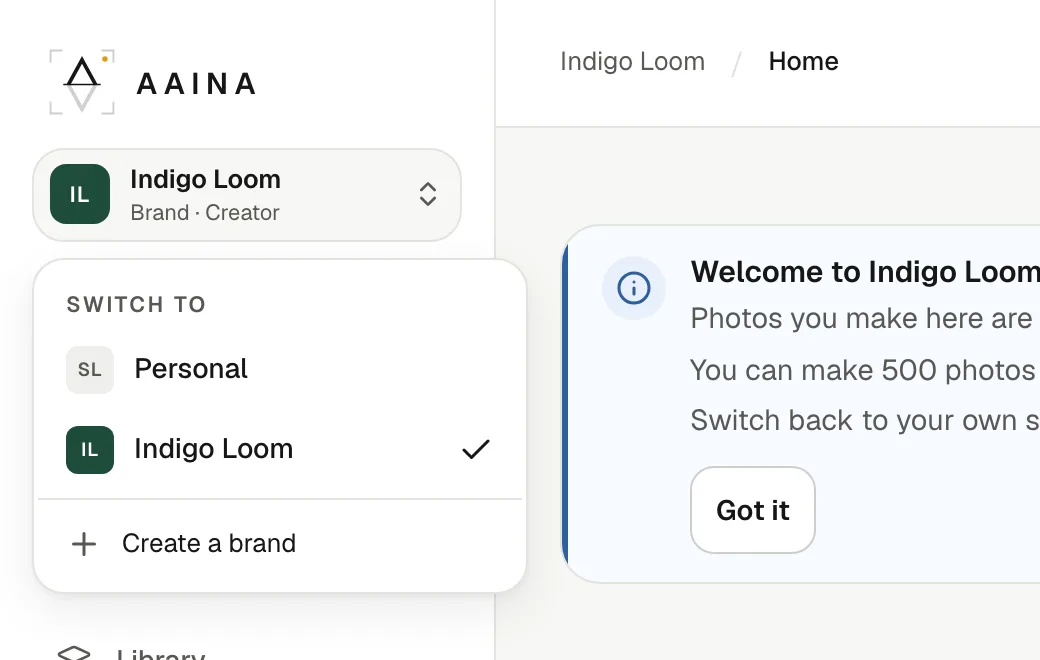
At the top of the sidebar is the studio you are in now: Personal for your own studio, or a brand's name with your role in it. Press it to see Switch to, with your personal studio and every brand you belong to, and Create a brand.
2
Work inside the brand
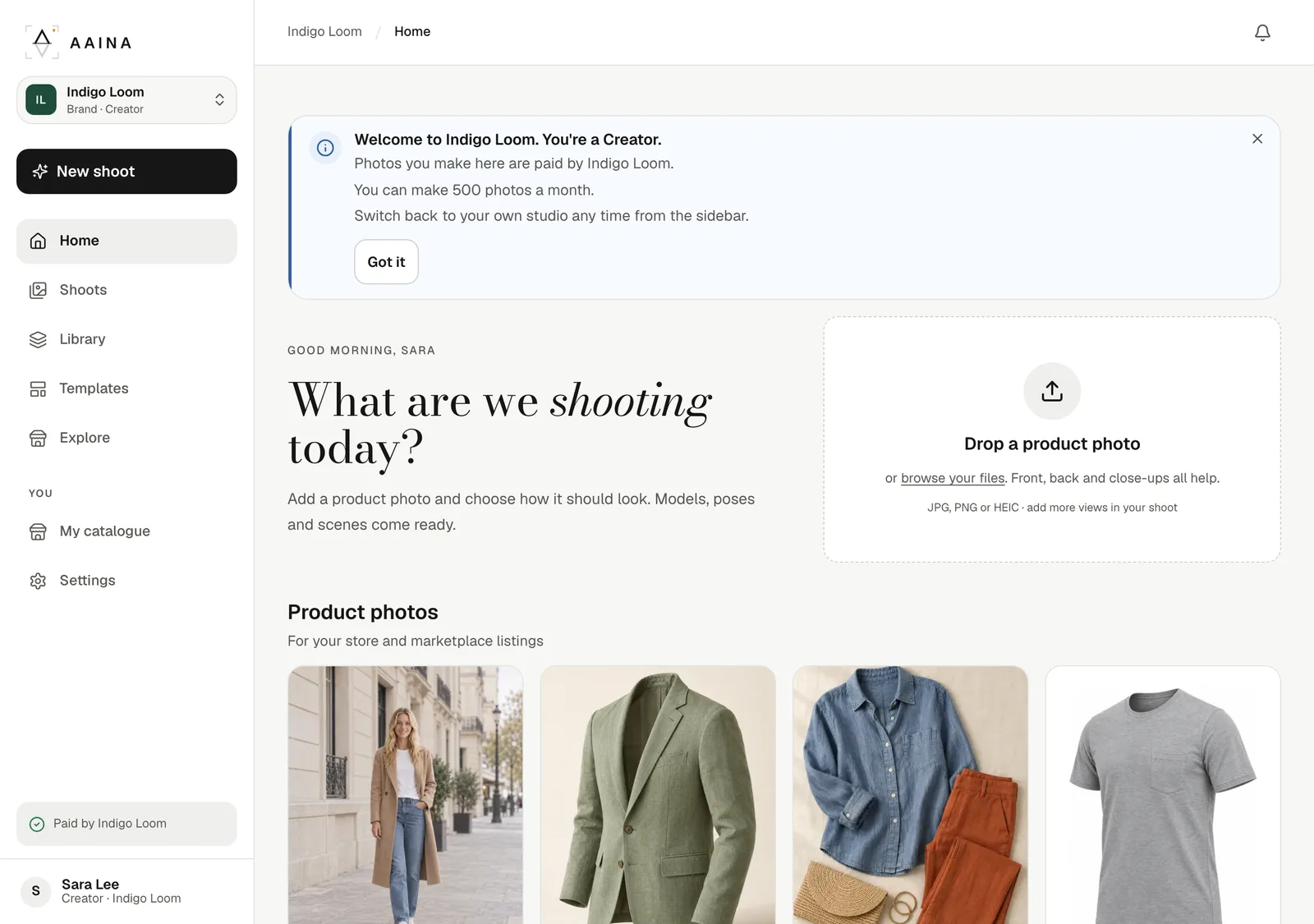
Inside a brand, Home, Shoots and Library show the brand's products, shoots and photos, and the credits box at the foot of the sidebar shows the brand's credits. A Creator sees Paid by the brand instead, unless the brand shows prices. The first time you open a brand, a short note tells you your role and any monthly limit.
What stays separate
- Credits. Your personal credits pay for what you make in your studio; the brand's credits pay for what you make in the brand. They never mix.
- Products, shoots and photos. What you make inside a brand belongs to the brand and stays there if you leave. Each photo shows who made it.
- Your own models, poses and scenes. Made in a brand, they are the brand's; made in your studio, they are yours.
- Try on me with your own photo is part of your personal studio.
Website only
Brands, plans and the activity log are on the website for now. The A Pose Studio phone app keeps working with your personal studio.