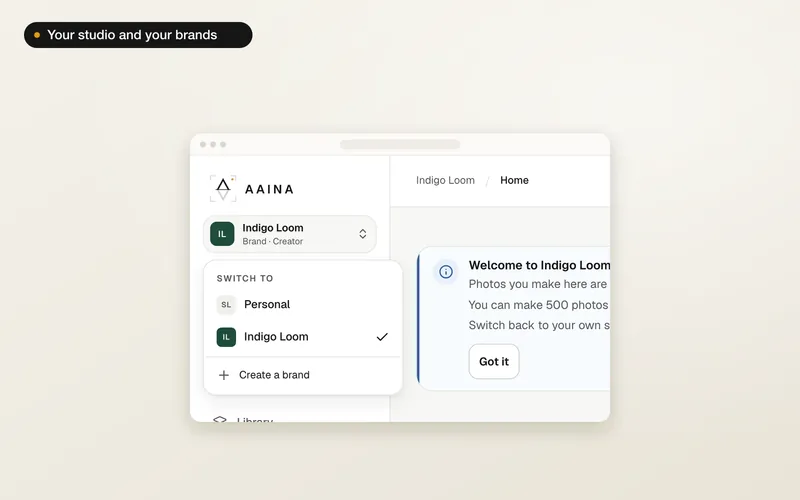
Open the studio menu at the top of the sidebar and choose Create a brand. Creating a brand takes three short steps: Brand, How you pay and Team. You can skip the last two and come back to them later.
Name your brand
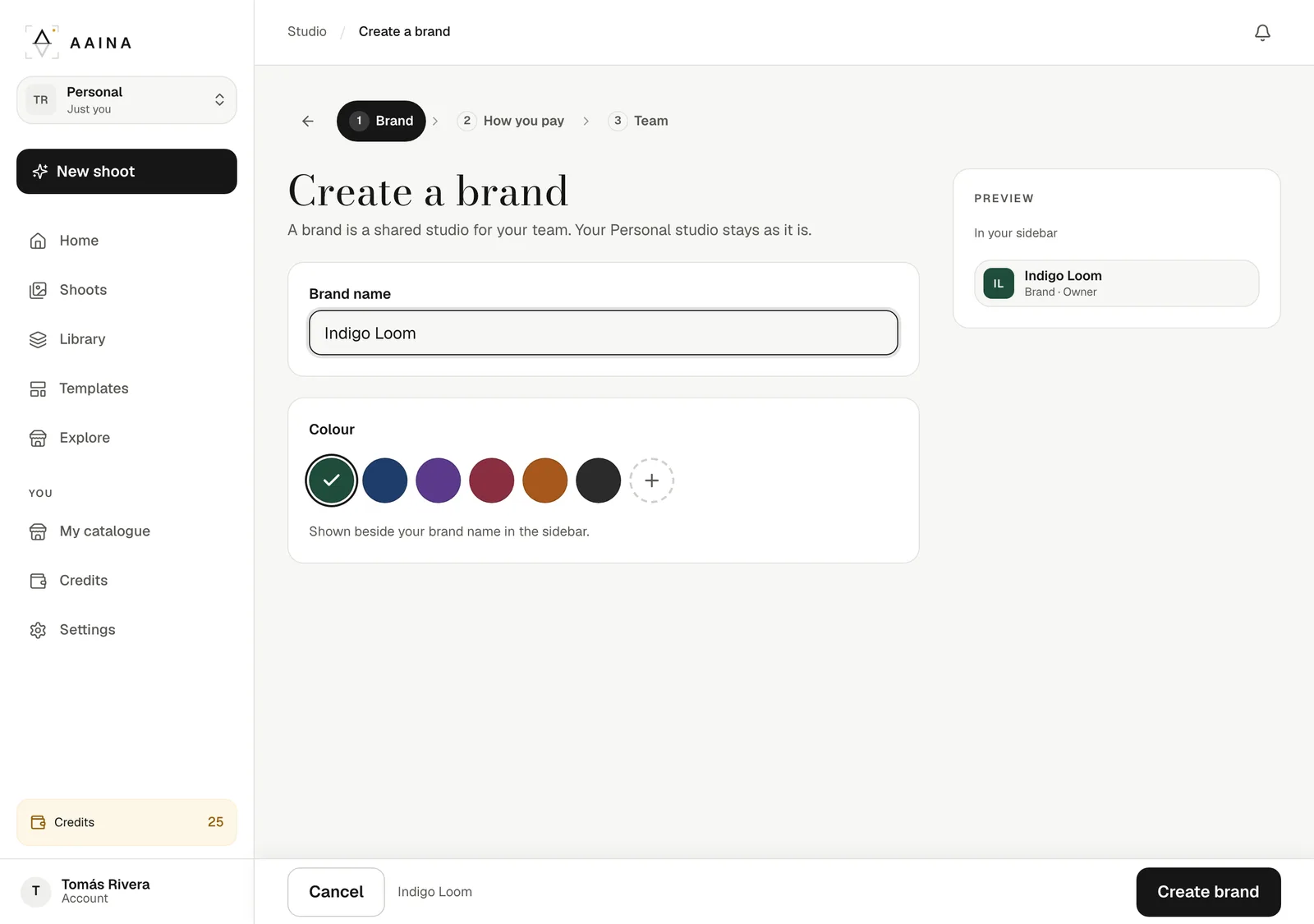
Type the brand name (up to 60 characters) and pick a colour. The preview shows how it will look in your sidebar. Press Create brand. You become its Owner.
Choose how you pay
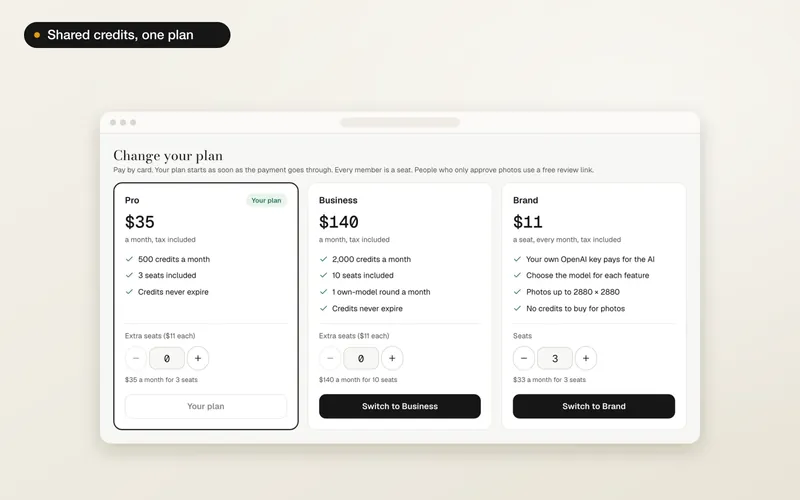
Pick a monthly plan: Pro, Business, Brand. You pay by card on the next page and the plan starts at once. Not ready? Press Skip for now: a brand with no plan has one seat, the Owner.
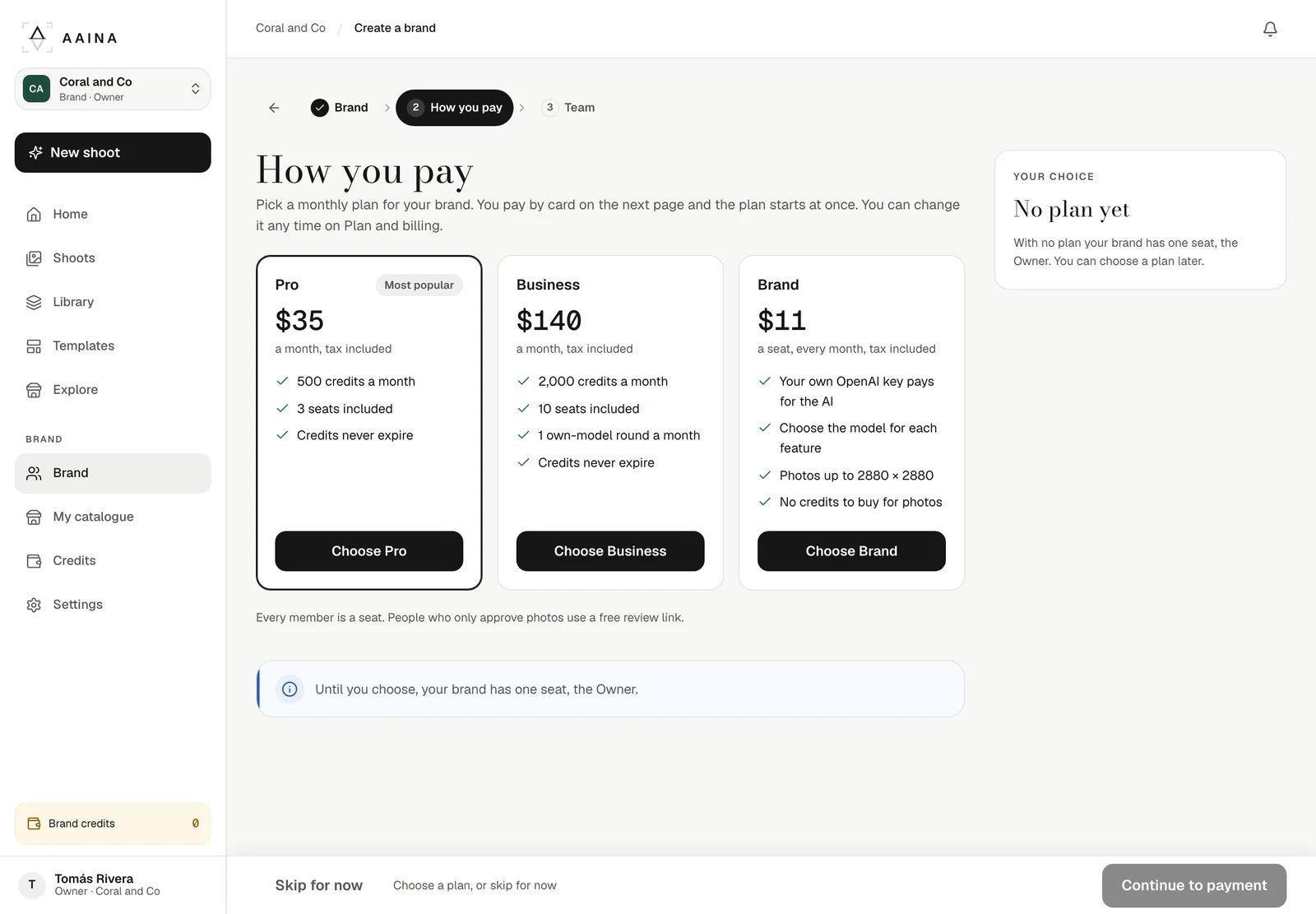
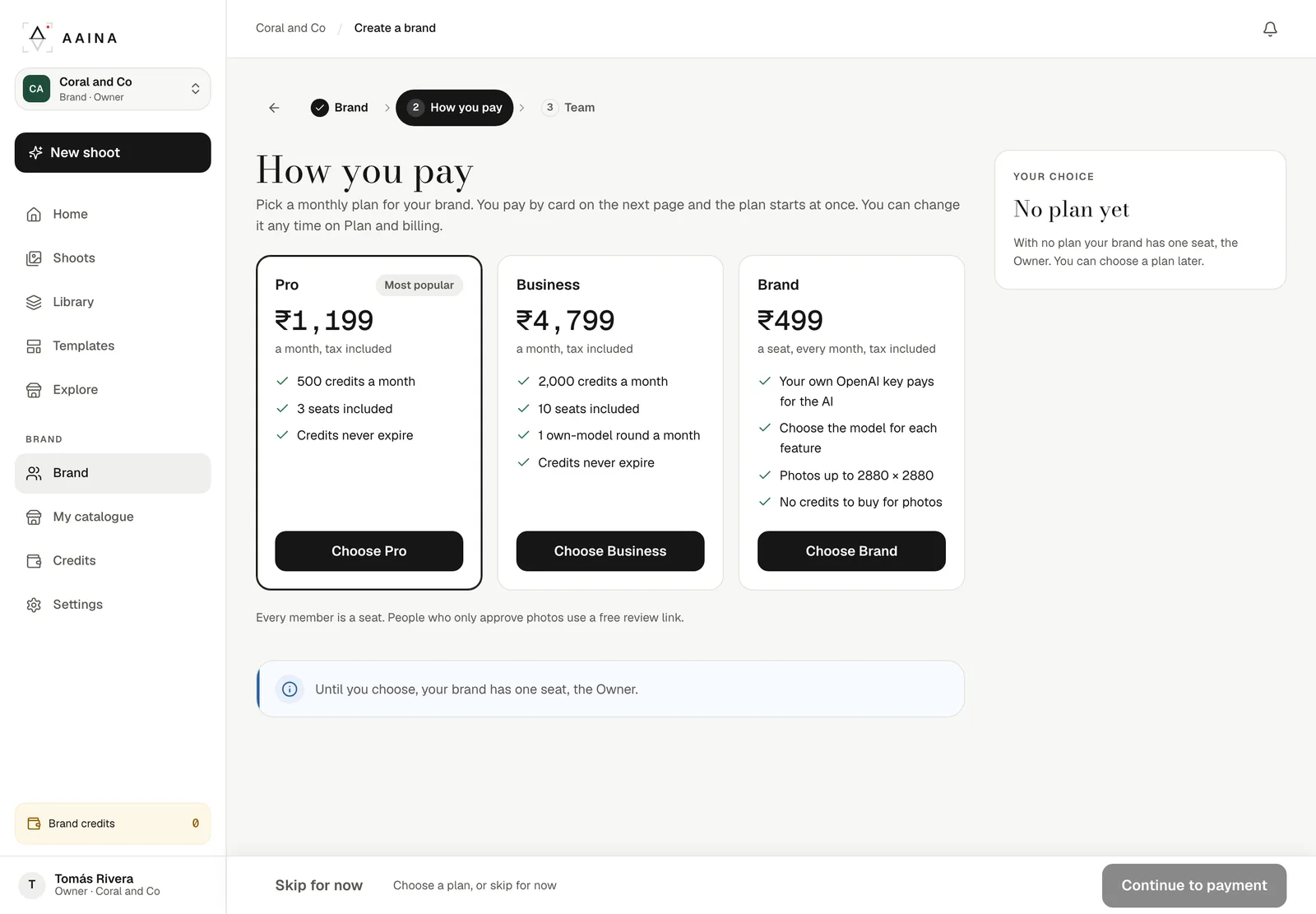
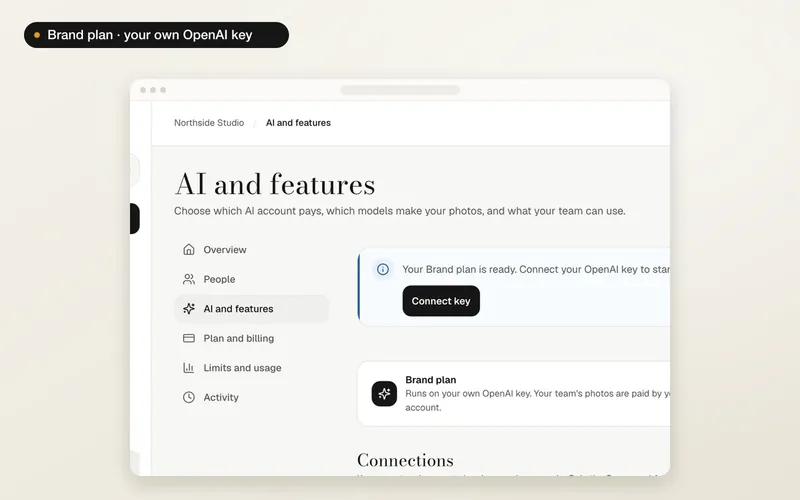
Pro gives 500 credits a month and 3 seats; Business gives 2,000 credits, 10 seats and one own-model round a month; the Brand plan is priced per seat and runs on your own OpenAI key. Compare the plans.
Invite your team
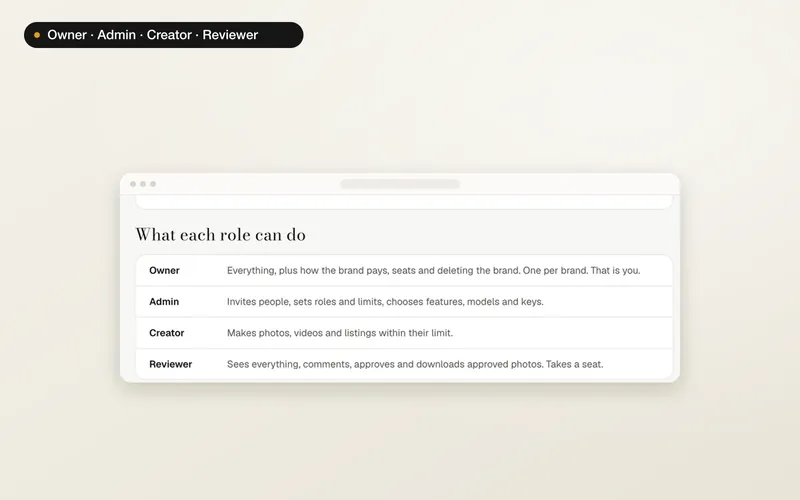
Add each person's email and choose their role: Admin, Creator or Reviewer. Later, from Brand then People, press Invite people to send up to 20 invites at once, and give Creators a monthly credit limit if you like.
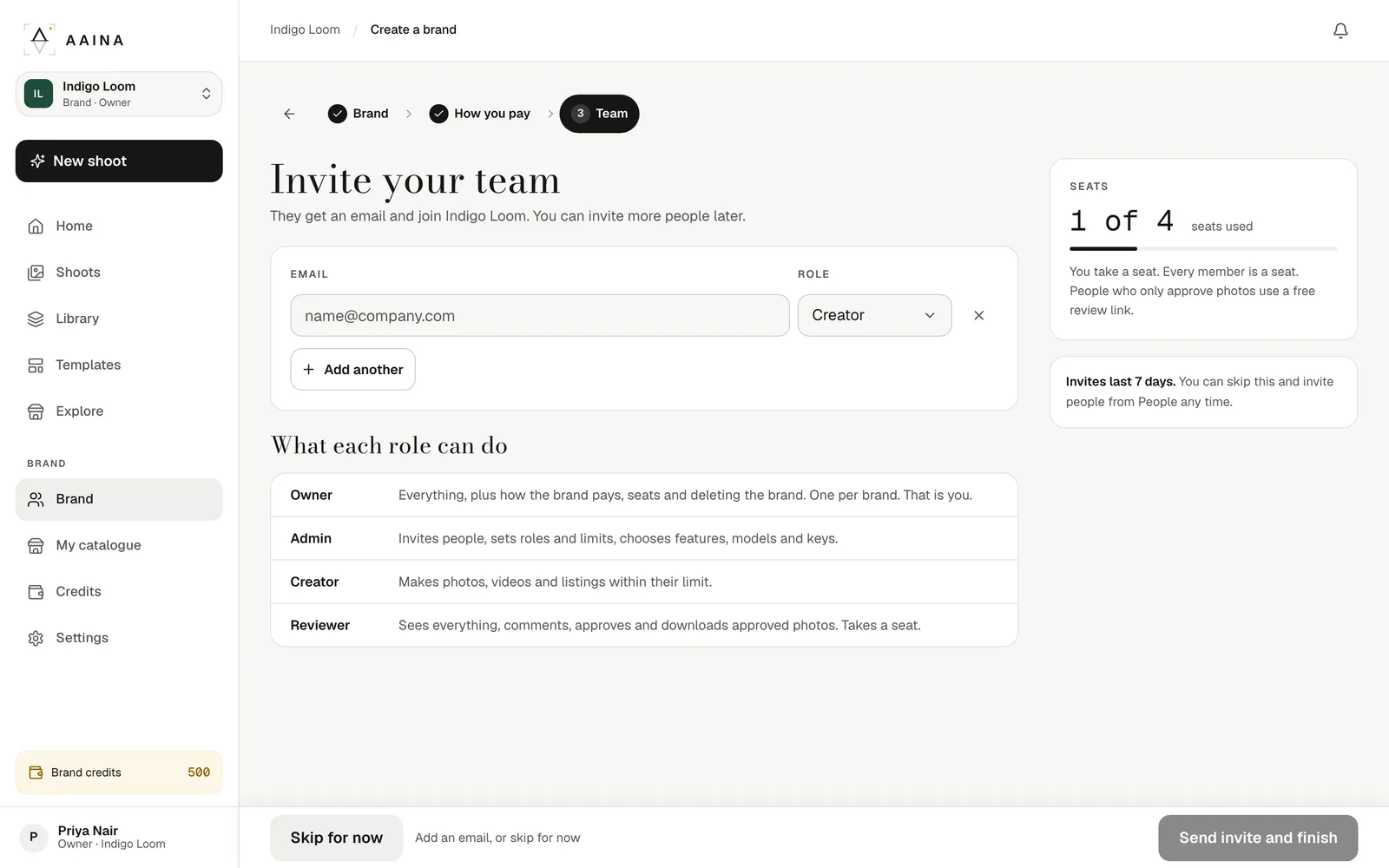
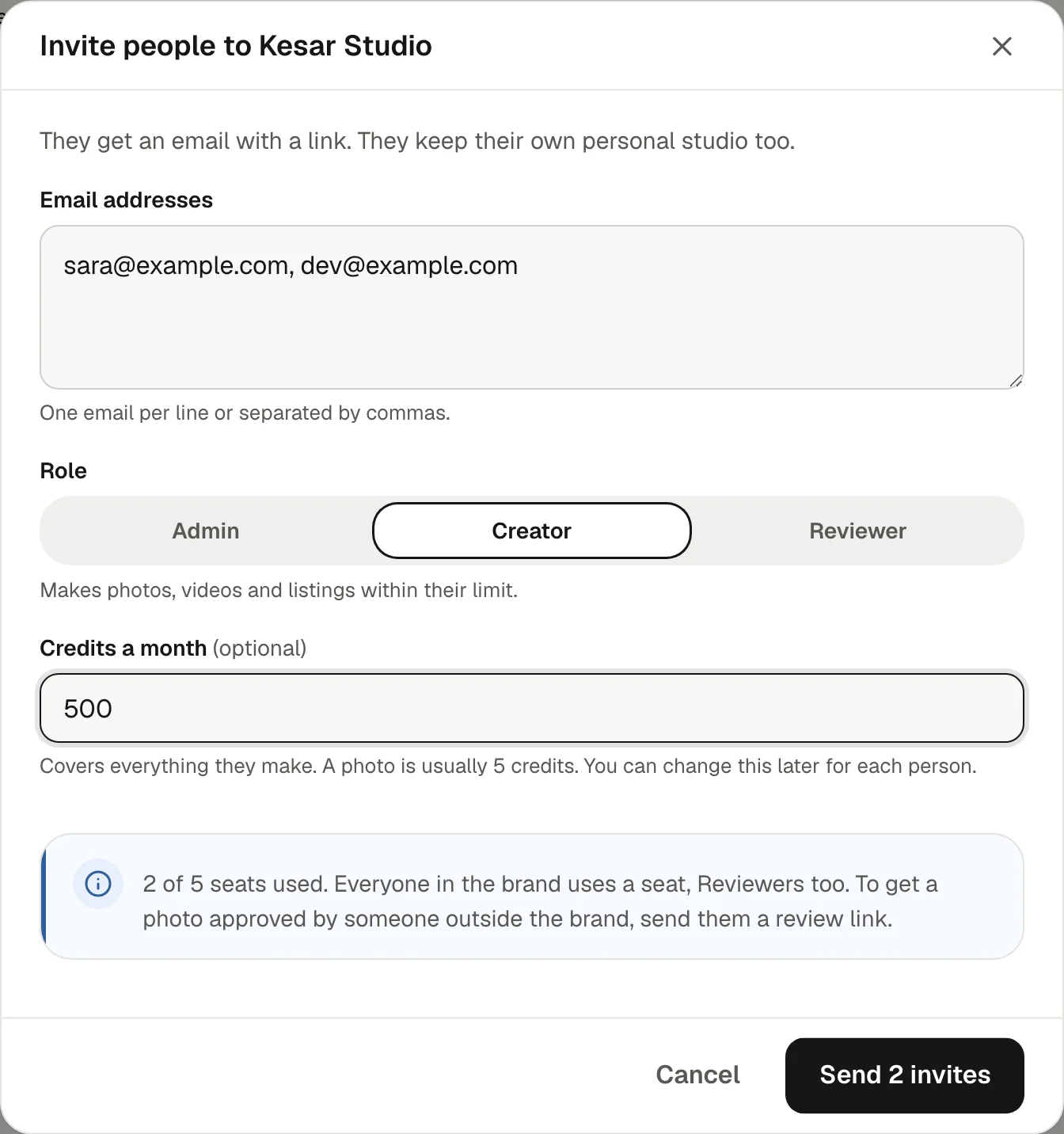
- Every member takes a seat, Reviewers too. The box under the form shows how many seats are used.
- If every seat is taken you can still send the invite; the person can join once a seat is free.
- Clients who only approve photos don't need a seat: send them a free review link.
They accept
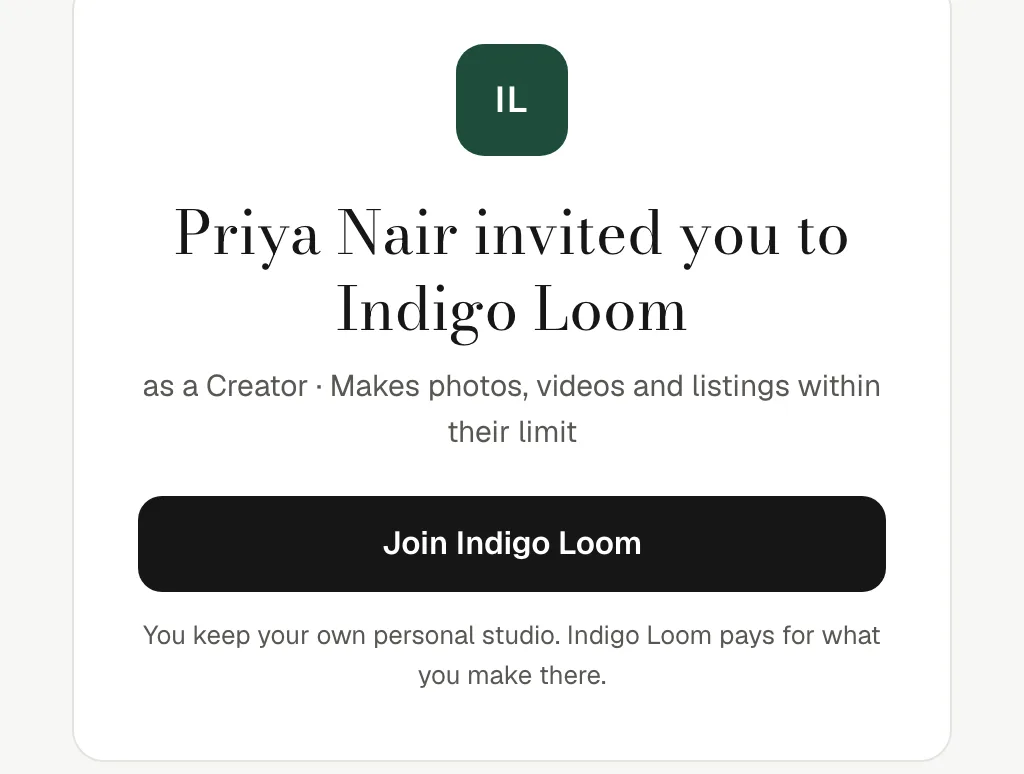
Each person gets an email with a link that lasts seven days and only works for the address it was sent to. They sign in, or create a free account, and press Join. They keep their own personal studio too.
Manage people
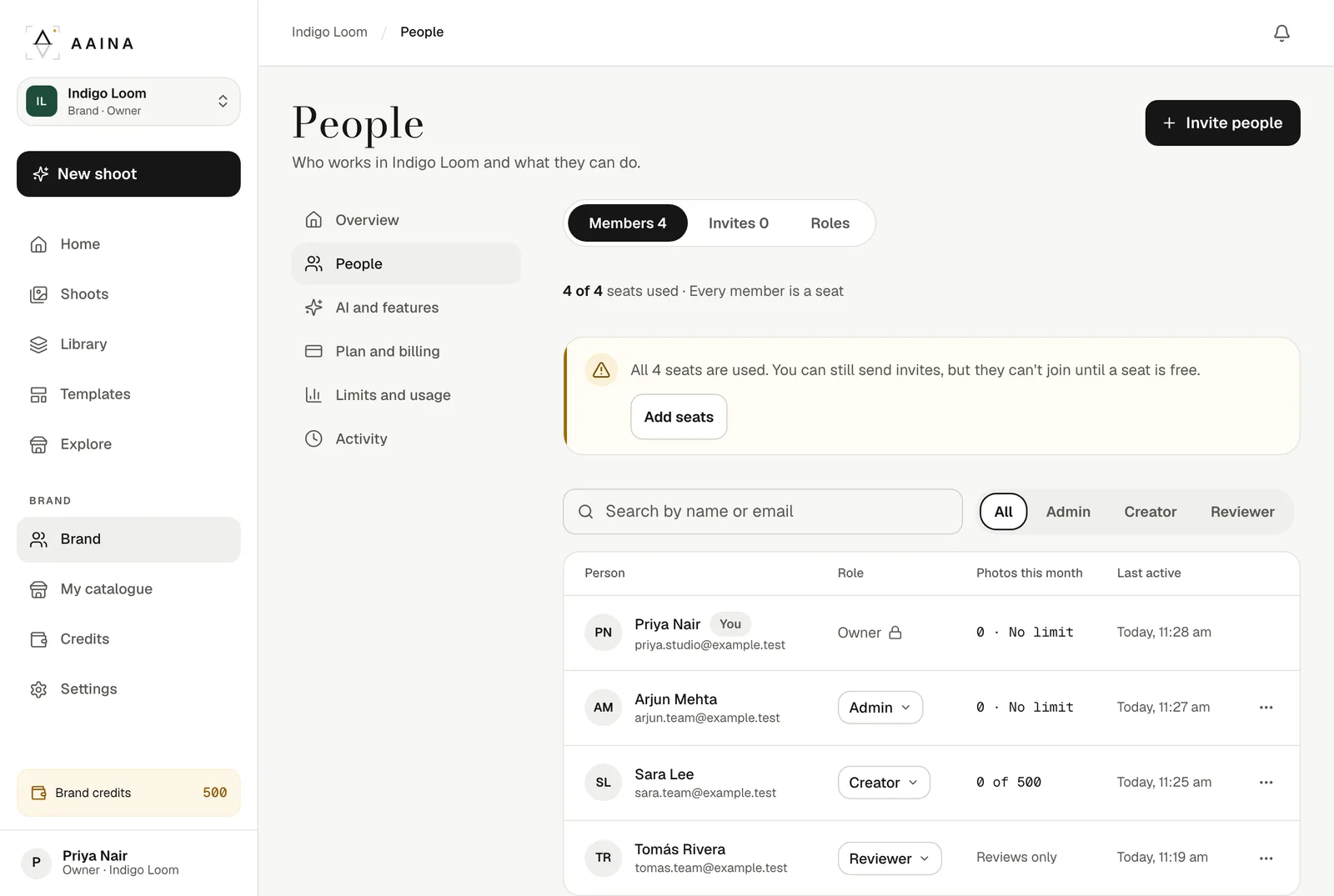
Brand then People lists everyone with their role, photos this month and when they were last active. Change a role from the list, or use the ⋯ menu to remove someone. Waiting invites are under Invites, where you can resend or cancel them.
Brands, plans and the activity log are on the website for now. The A Pose Studio phone app keeps working with your personal studio.
You can own up to 10 brands and belong to as many as you are invited to. Brands don't come with welcome credits; credits come with the plan.