Templates and creators
Start from a finished look. Put your product in it.
A template is a whole shoot someone has already worked out: the model, the scene, the framing and the idea. Add your product photo and get the same look for your own collection. Then make templates of your own, share them, and earn every time another seller uses one.
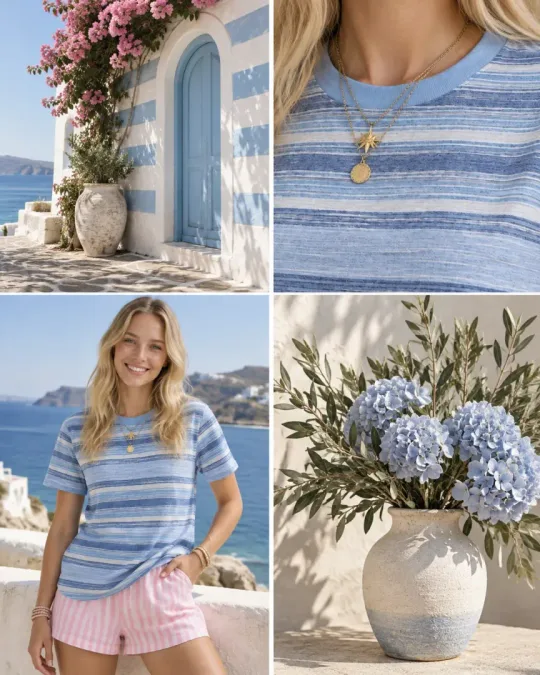
Made with templates
One look, any product.
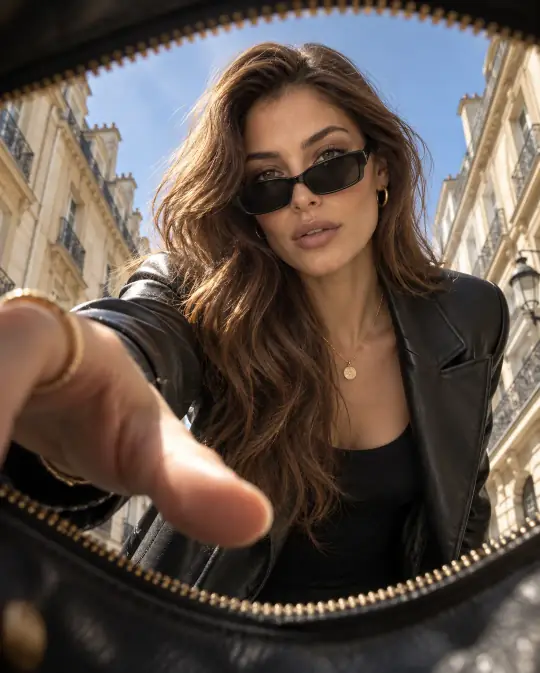
A Pose Studio's own templates, each shown with the sample made in the app. Pick one, add your product, and the photo is made in the same look.
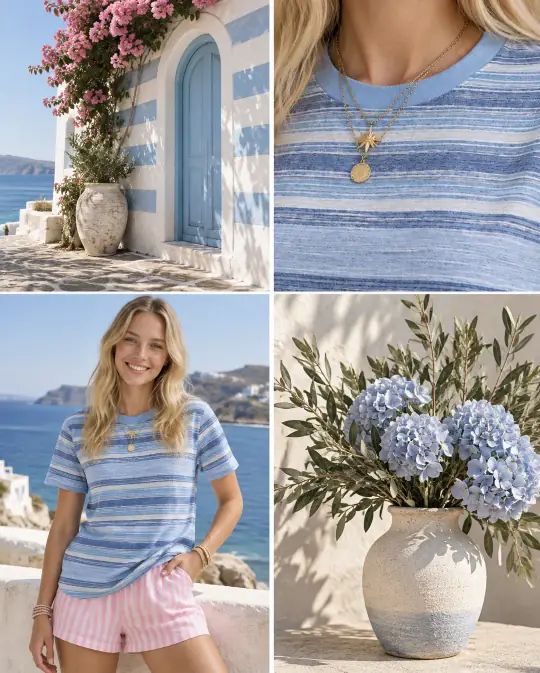
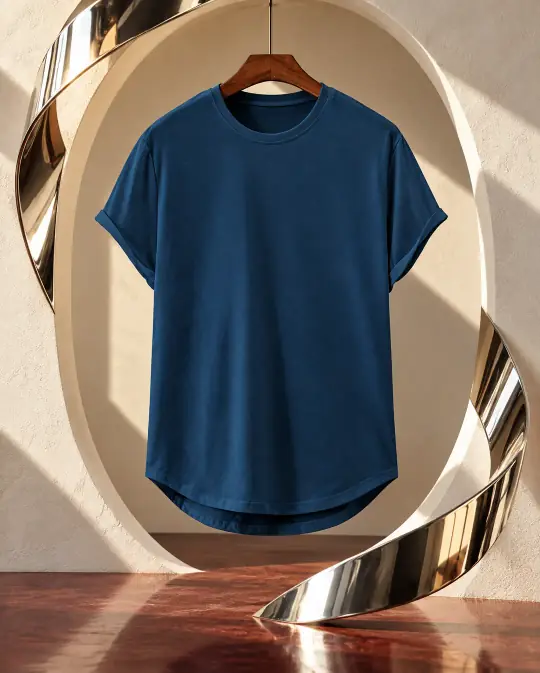
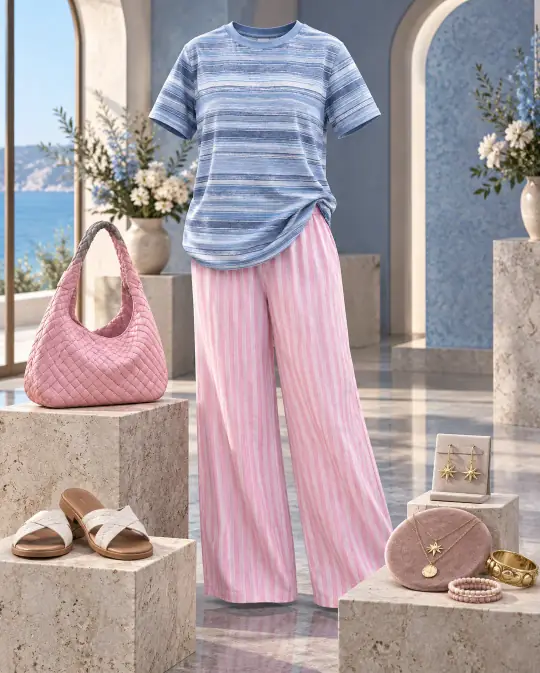

Use a template
How do I use a template? Three steps, no prompt.
- Pick a lookBrowse Templates by product type, or sort by popular and new. Each one shows its price before you start: A Pose Studio's own templates are 10 credits a photo.
- Add your photosUsually just your product. Some templates also ask for a pattern, a place or a few words, such as your shop name.
- Make itThe photo lands in Shoots, ready to download in every marketplace size, edit or turn into a video.
Make your own
Your best shoot, as a template.
Found a look that sells? Turn it into a template once and reuse it for every new product, or publish it so other sellers can use it too. Start from scratch with Make a template, or press Save as template on a shoot you like.
- The lookName it, choose a studio model (or no person, or the customer's own photo) and a studio scene, and write the idea in your own words. Only you see the idea.
- What people addAdd up to four photo boxes, such as Your product, Your model or something else, and up to six short text answers. Add a private reference photo, such as a pattern, if the look needs it.
- Make your sampleMake sample photos with your own pictures. Choose which ones are shown, in which order; the first is the cover.
- PublishCheck the list under Before you publish and press Publish. A short automatic check runs first, then your template is live with its own link.
Earn from your templates
How do I earn from my templates? Others use your look.
Every time another seller makes a photo with your published template, you earn coins. Turn them into credits and keep shooting for less. Templates, Mine shows how often each template was used and saved, and what it earned, for the last 7, 30 or 90 days, or all time.
- Someone uses itAnother seller makes a photo with your template, paid with their credits. You earn coins from that use.
- On the wayOnce the photo is made, the coins wait a few days before they are ready.
- ReadyThe coins move to your balance on the Coins page, with every use listed.
- Turn into creditsTurn your coins into credits any time and spend them on your own photos, videos and listings.
The rules, in plain words
- A use never earns coins worth more than half of what it cost the seller who made it.
- Your own uses of your template don't earn coins.
- Each person counts once per template per day, and there is a daily limit for each creator.
- If someone used free welcome credits, the coins arrive once that person buys credits.
- If a photo fails, or the buyer's purchase is refunded, those coins are taken back.
- Coins turn into credits, not cash.
What stays yours
- The idea you wrote is never shown to people using your template.
- Private reference photos are used for each photo but never shared.
- You choose which sample photos are shown, and in which order.
- Photos people make with your template can appear under Made with this, only if they agree.
After the photo
Finish it like a design. Text, logo, layout.
Open any finished photo in the editor and make it a post, a banner or a campaign picture, without another app.
Crop and size
Crop to any shape, or pick a ready size for each channel. The wall continues when a pose needs more room.
Adjust and filters
Fine-tune light and colour, or choose a filter.
Text, badges and stickers
Headlines and offer badges, in your own fonts and colours.
Your logo and brand kit
Add your logo, colours and fonts once and use them on every design.
Layouts
Designed layouts that place your photo, text and logo for you.
Text behind the person
Put a word behind the model, cut out from the photo, like a magazine cover.
Animate
Add motion to text and stickers for posts and stories.
Save or download
Save the design back to the shoot, or download it.
Your public page
A catalogue with your name on it.
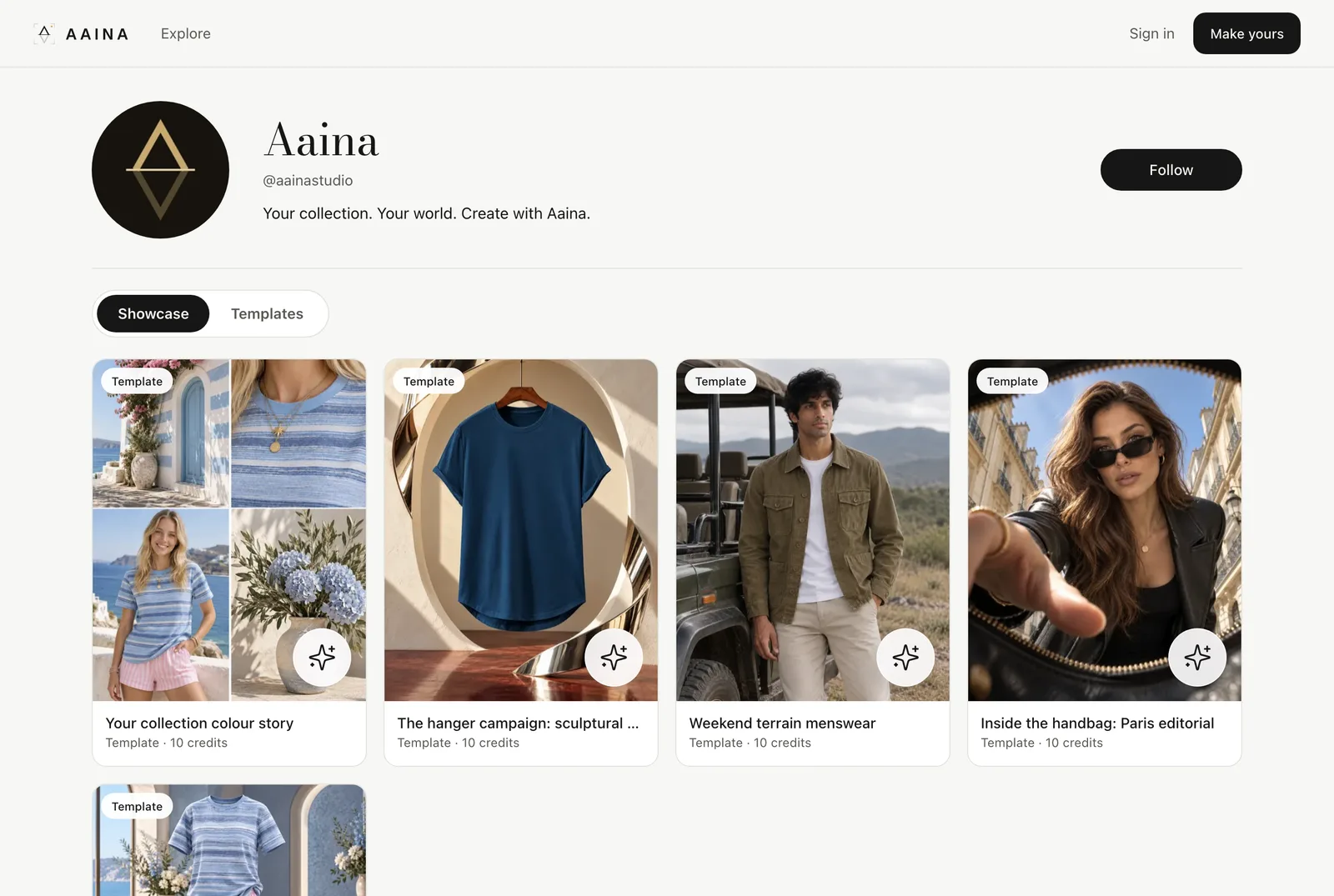
Publish your best photos and your templates on your own Looks page, at an address like aposestudio.com/@yourname. Share the link with buyers and other sellers. People can follow you, and use your templates from the Templates tab.
- Free to publish; only what you choose is public
- Explore shows looks and templates from sellers who publish
- Save looks you like to boards
Questions
About templates
What is a template?
A template is a finished look someone has already worked out: the model, the scene, the framing and the idea. You add the photos it asks for, usually your product, and A Pose Studio makes the photo in that look. The result lands in Shoots like any other photo.
Who can use a template?
Any A Pose Studio account. Browse Templates, choose a look, add your product photo and make it. Each template shows its price before you start.
Who can make a template?
Any seller. Build it from your own idea, or press Save as template on a shoot you like. Keep it private to reuse yourself, or publish it for everyone.
How do I earn from my templates?
Each time another seller makes a photo with your published template, you earn coins. Coins wait a few days after the photo is made, then you can turn them into credits on the Coins page. A use never earns coins worth more than half of what it cost the person who made it.
Can I get paid in cash?
No. Coins turn into credits, which you spend on your own photos, videos and listings.
Is my idea or my reference photo shared?
No. People see the name, the description and your sample photos. The idea you wrote and your private reference photos are never shown to anyone using the template.
What is checked before a template goes live?
A short automatic check looks at the idea, the words and the sample photos, for example for nudity, children, famous people or copying another brand. Lettering and logos on your own product are fine. If a template is turned down you can change it and send it again.
What is a Looks page?
Your public catalogue with its own address, such as aposestudio.com/@yourname. It shows the photos you choose to publish and your templates, and people can follow you. Everything you don't publish stays private.
Step by step
Guides
Short guides with the real screens.