1
Set up your catalogue
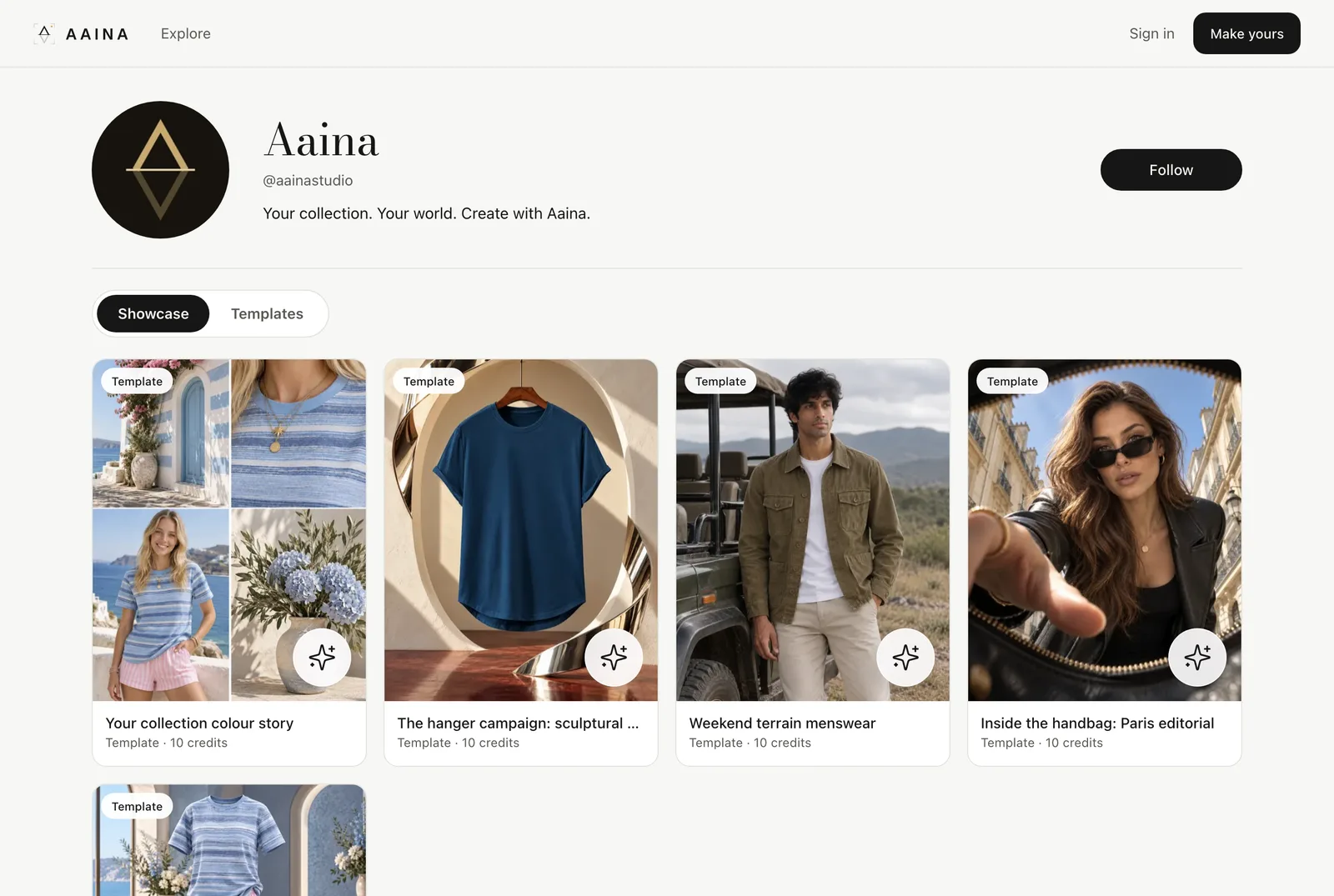
Open My catalogue. Choose a public name and a short handle for your address, such as aposestudio.com/@yourname, and add a line about your shop. Public names and words are checked before they appear.
2
Publish looks
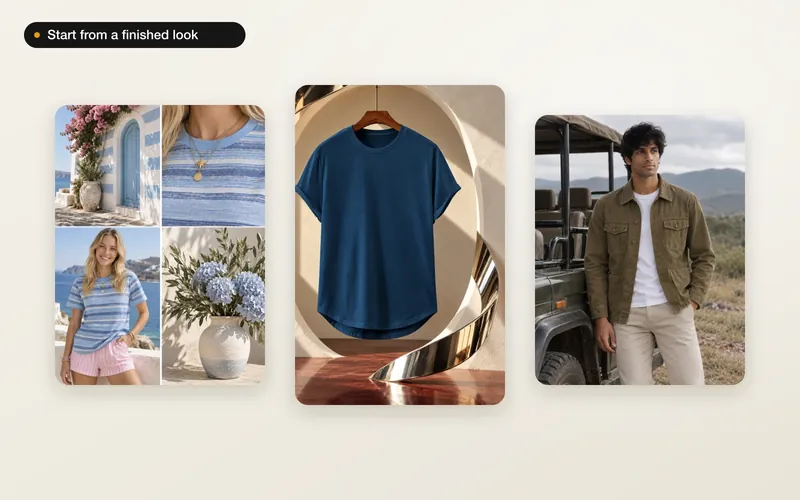
Add your finished photos to your catalogue and arrange them into collections. Only the photos you publish are public; everything else stays private. Your published templates appear on the Templates tab, and people can follow you.
Explore
Explore shows looks and templates from sellers who publish. Save the ones you like to boards, follow makers, and use a template with your own product.