The plans
| Plan | A month | Credits a month | Seats included |
|---|---|---|---|
| Pro | ₹1,199US$35 | 500 | 3 |
| Business | ₹4,799US$140 | 2,000 | 10 |
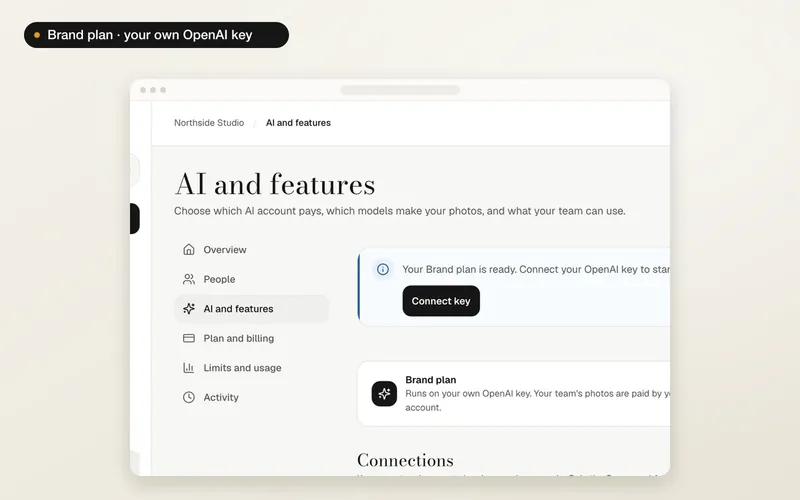
| Brand | ₹499US$11 a seat | Own key | Each seat paid |
Prices include taxes. Business also includes one own-model round a month. Extra seats on Pro and Business are ₹499US$11 each a month. Every brand can have up to 999 seats on any plan, so Pro can add up to 996 extra seats and Business up to 989.
Choose or change a plan
The Owner opens Brand then Plan and billing. Under Change your plan, set the seats you need and press the plan's button. You pay by card and the plan starts as soon as the payment goes through.
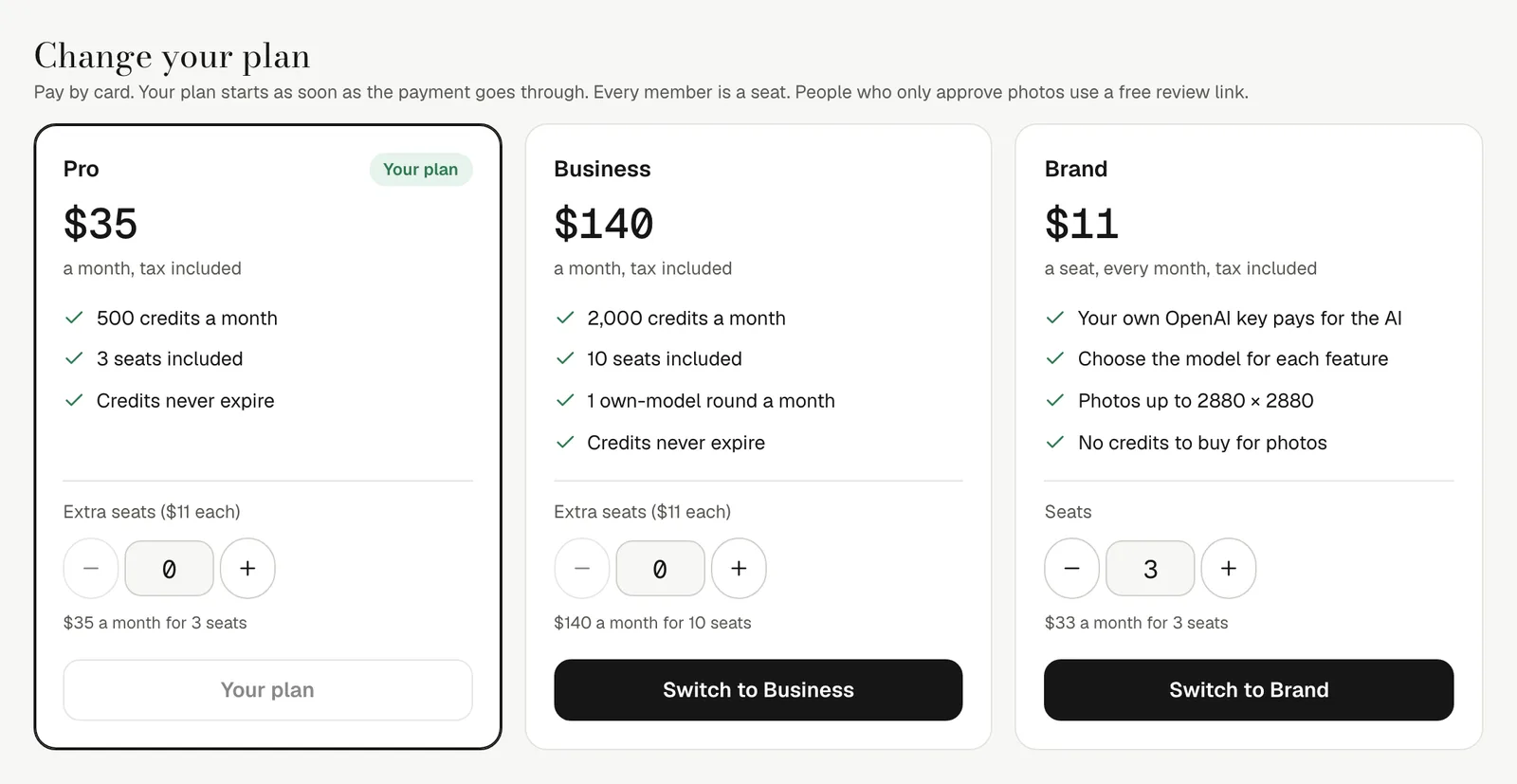
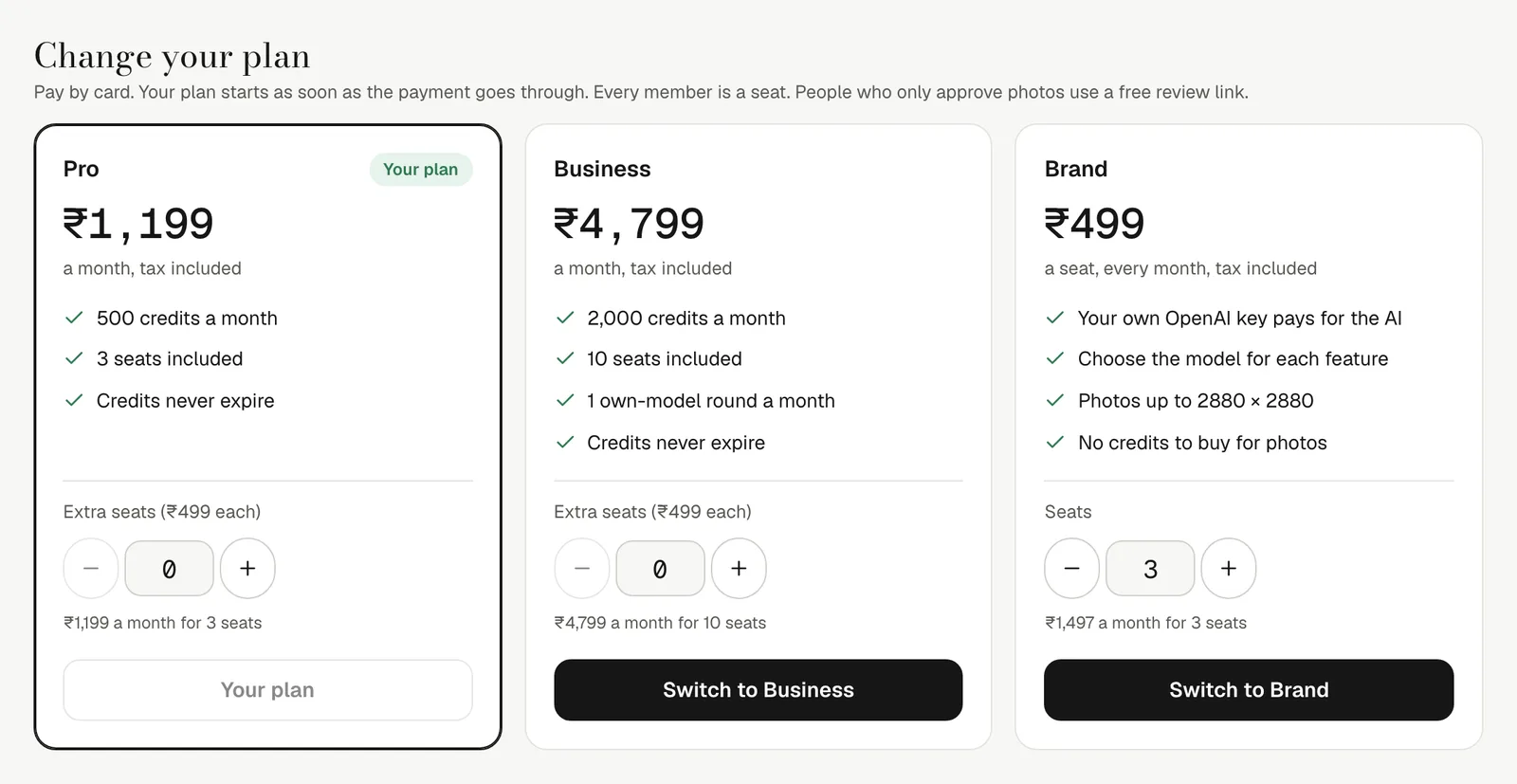
- Upgrades start at once. A bigger plan, or more seats, is charged straight away for the rest of the month, and you get that share of the extra credits now.
- Smaller plans wait. Moving to a smaller plan or fewer seats happens on your next billing date; until then nothing changes.
- You can't go below the number of people already in the brand. Remove people first.
Seats
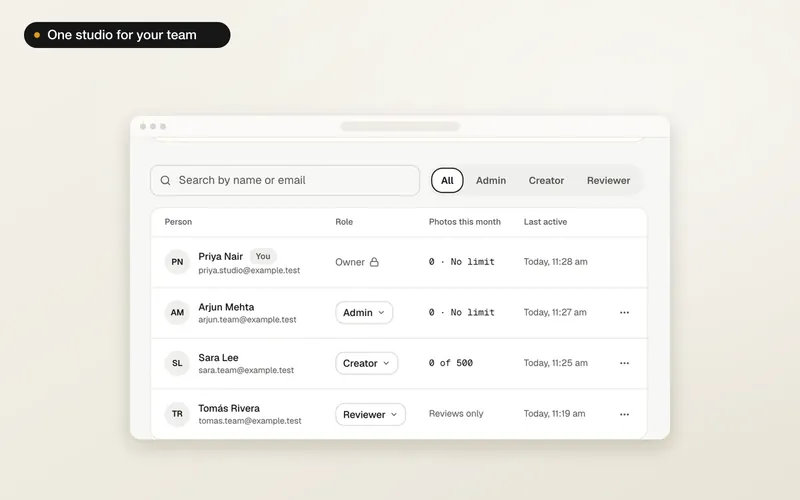
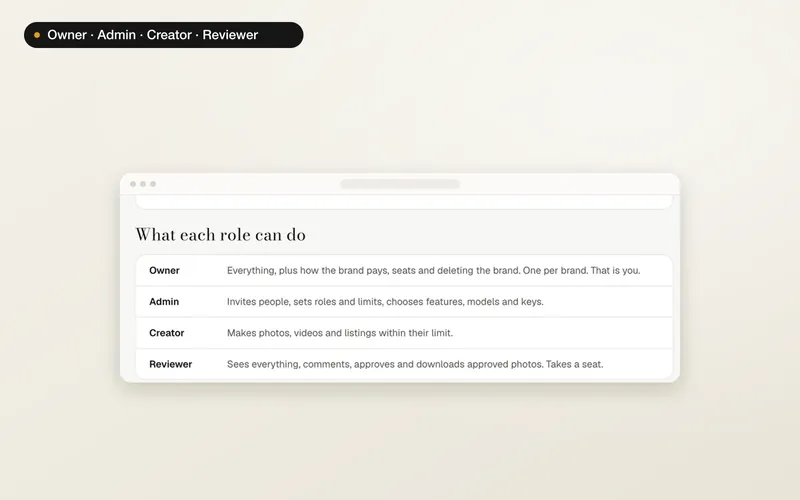
Every member takes a seat: Owner, Admins, Creators and Reviewers. People shows how many are used. When all seats are used, invites still go out, but people can join only once a seat is free. Add seats takes you to the plan.
Credits and top-ups
Each month's credits are added to the brand's balance and never expire, like credits from a pack or a top-up. Brand credits shows what is available. Monthly credits are never refunded.

Running low before the month ends? The Owner can buy a top-up of 500 credits for ₹1,199US$35 or 2,000 credits for ₹4,799US$140. It is added to the brand's credits at once.
Credit limits
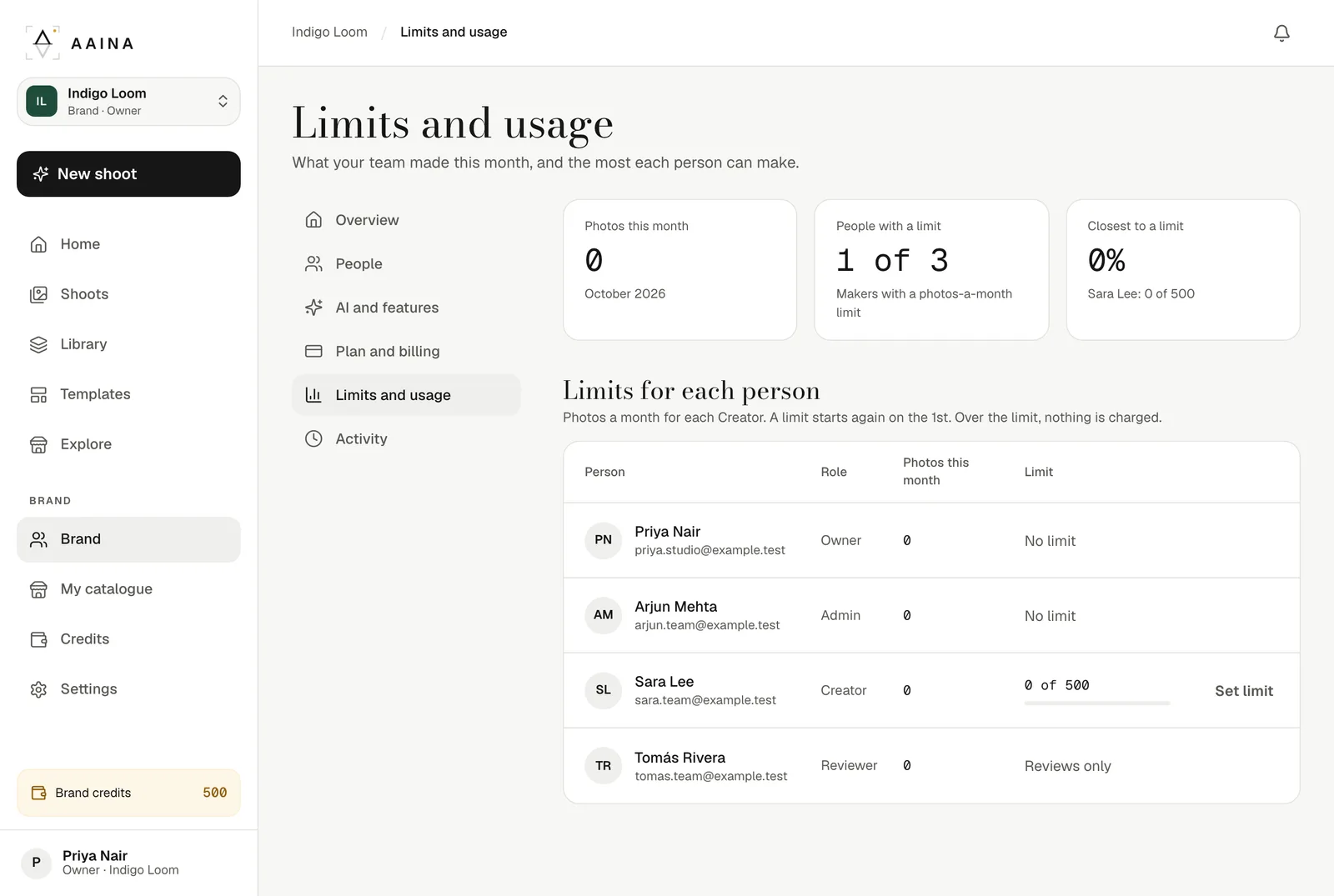
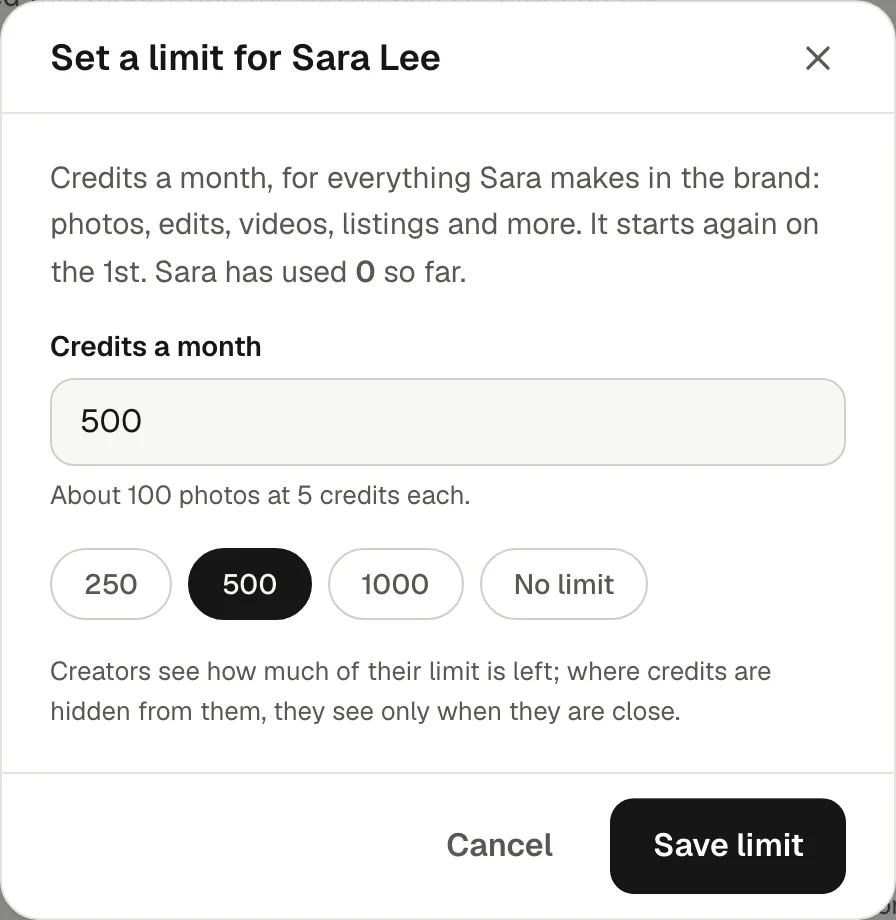
In Limits and usage, an Owner or Admin can give each Creator a number of credits a month: 250, 500 or 1,000, any number you type, or no limit. It covers everything they make on brand credits (a photo is usually 5 credits); photos made on the brand's own OpenAI key use none. A limit starts again on the 1st. Over the limit nothing is made and nothing is charged, and the Creator sees how much of their limit is left.
Cancel
On Plan and billing, the Owner can cancel. The plan keeps working until the end of the month you paid for and nothing is charged again. When a plan ends, the brand keeps its credits and everyone keeps their place, but only the Owner can make photos. The team can still open the brand, see its shoots and save photos. Start a plan again and the whole team can make photos. On the Brand plan the OpenAI key is removed. Keep my plan undoes a cancel before the date.
If a payment fails
Everything keeps working for seven days while you update your card. If the payment still fails, the plan ends: When a plan ends, the brand keeps its credits and everyone keeps their place, but only the Owner can make photos. The team can still open the brand, see its shoots and save photos. Start a plan again and the whole team can make photos. Nothing is deleted.
Brands, plans and the activity log are on the website for now. The A Pose Studio phone app keeps working with your personal studio.