1
Make them an Admin
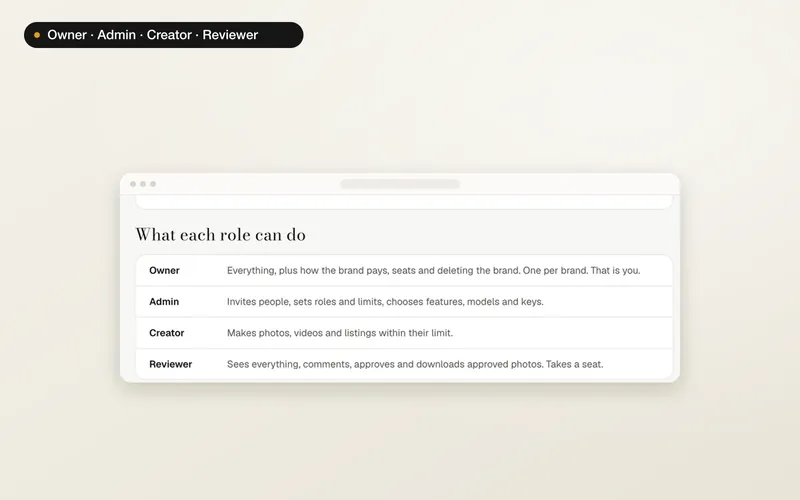
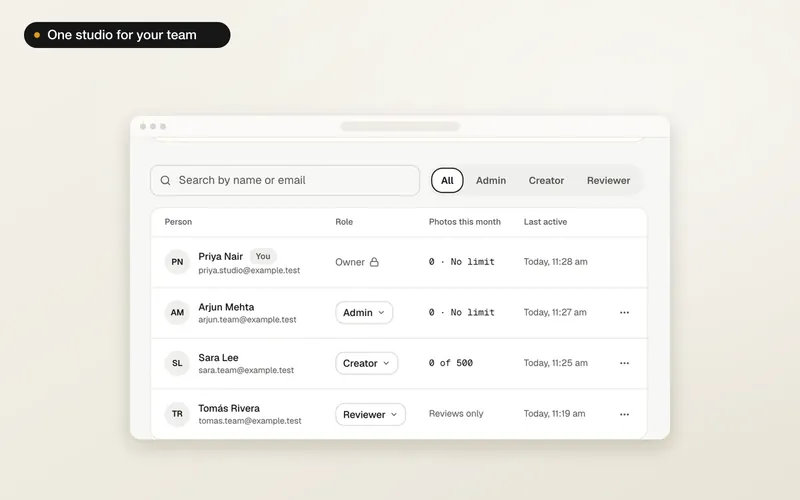
Only an Admin can become Owner. In People, change the person's role to Admin if they aren't one already.
2
Transfer ownership
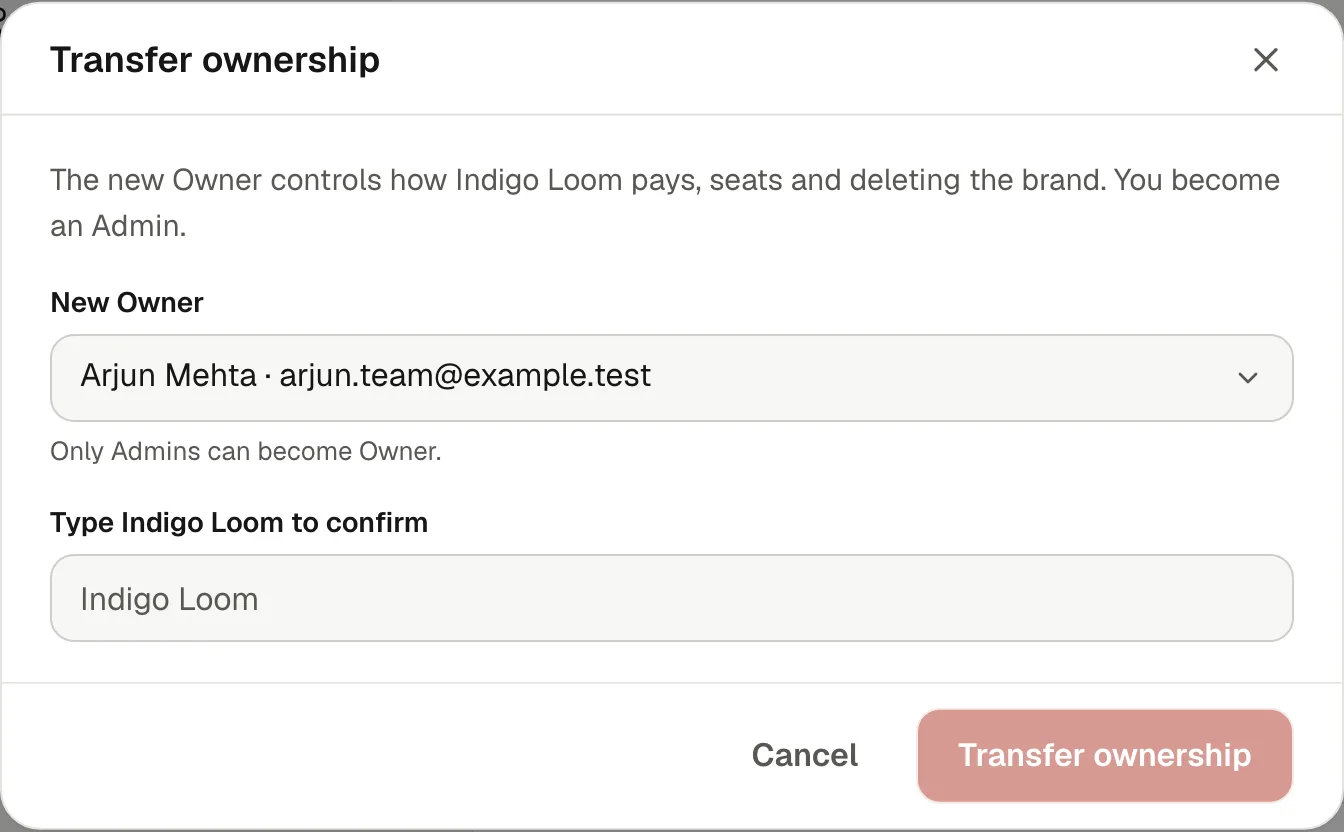
Open the ⋯ menu on their row and choose Make Owner. Type the brand's name to confirm and press Transfer ownership. You become an Admin, and the new Owner controls how the brand pays, its seats and deleting it.
What happens to the plan
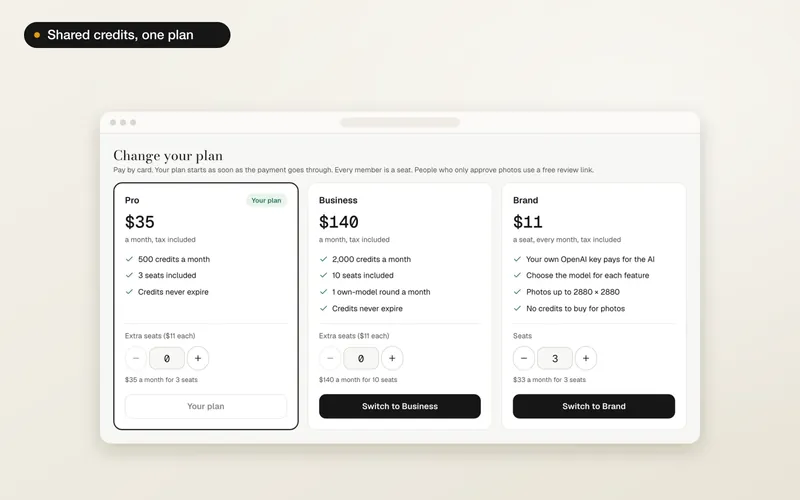
A plan paid with your card stops renewing when you hand the brand over. The brand keeps it until the end of the month you paid for, and your card isn't charged again. After that the new Owner starts their own plan from Plan and billing. The app tells you the exact date before you confirm.
After the hand-over
- Products, shoots, photos, models and credits stay with the brand.
- The activity log records the change.
- You keep your personal studio. If you no longer need access, the new Owner or an Admin can remove you, or you can leave.
- To delete your A Pose Studio account while you own a brand, hand it over or delete it first.
Website only
Brands, plans and the activity log are on the website for now. The A Pose Studio phone app keeps working with your personal studio.