Start with the real item
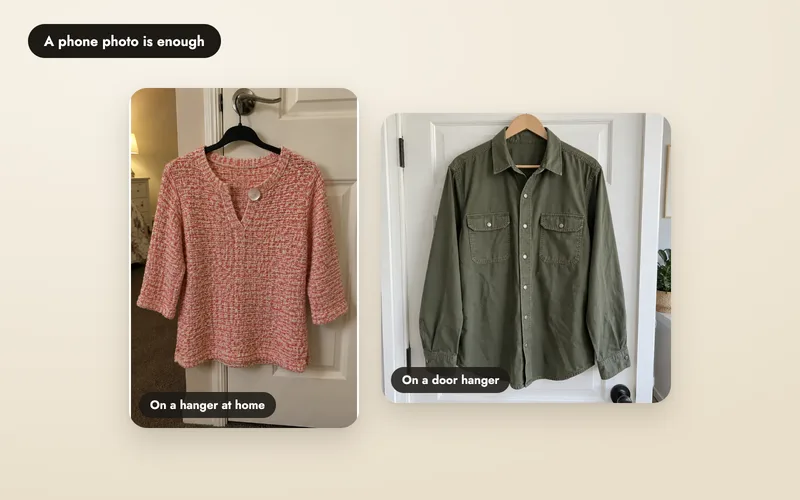
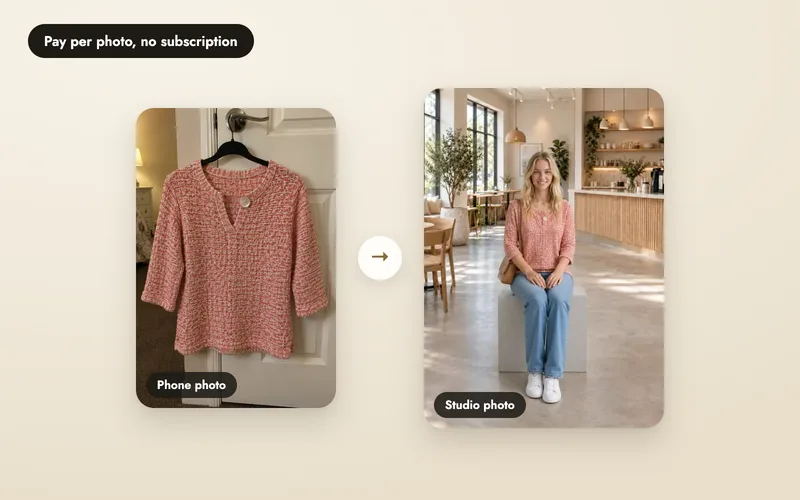
Choose products with different challenges: a plain garment, a repeating print, fine hardware and a piece where coverage or length matters. Take a clear front photo, then back and close-up photos of details that affect the buying decision. Keep those originals beside every generated photo.
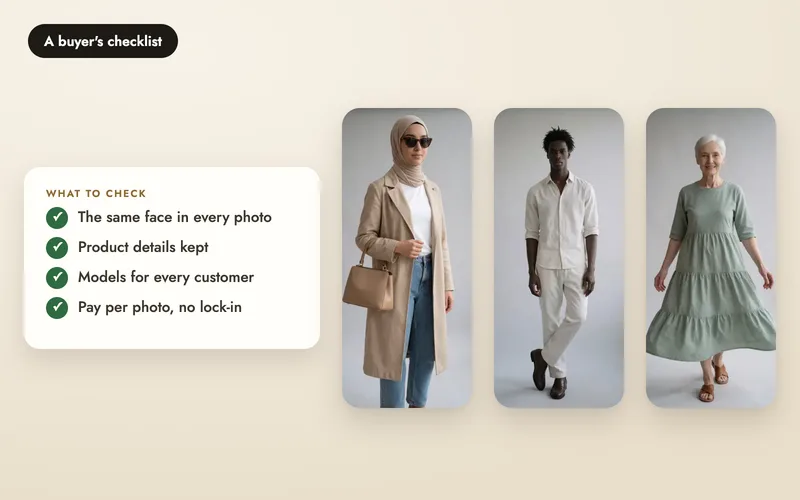
Decide what makes you reject a photo before you start. An invented logo, missing fastening or changed coverage can mean rejection even when the overall image is attractive. Apply the same rule to every tool you compare.
Inspect what makes it your product
| Product | Compare with the real item | Reject or verify further when |
|---|---|---|
| Sarees and prints | Border width, pallu design, print repeats, embroidery, blouse and hem. | Motifs are invented, a border changes across views, or the drape suggests a shape you cannot substantiate. |
| Jewellery and watches | Stone and drop counts, setting, chain, clasp, dial marks, metal colour and scale. | A stone, letter or link is added or lost. Keep a real-product detail photo alongside lifestyle images. |
| Modest wear | Neckline, sleeves, opacity, slits, hem and hijab coverage in every pose. | A pose opens a slit or shortens coverage, or an opaque fabric appears transparent. |
| Bags and footwear | Straps, handles, zips, panels, soles, heels and scale against the body. | Hardware changes, a handle has no support, or apparent size cannot be verified. |
| Every image | Colour in consistent light, hands, proportions, shadows, crop and channel rules. | A detail is hidden or misleading. Generated fit is not a garment measurement or a guarantee of fit. |
Inspect a close crop and the full image. Some errors only show at listing zoom. Compare front and back views with each other; a convincing first view does not validate the rest of a shoot.
Accept, retry, or keep a real photo
- Accept: visible details pass your checklist and the image meets the channel’s current requirements.
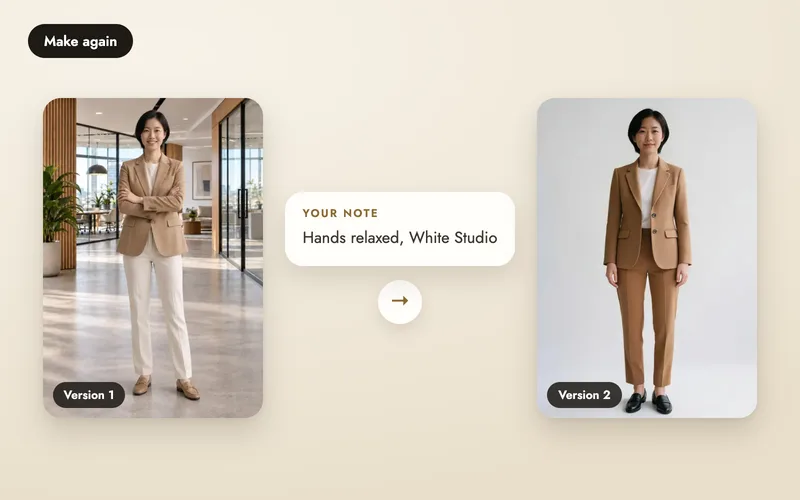
- Retry: a fixable pose or detail is wrong. A new version costs 5 credits, so count another attempt. How retries work.
- Keep the real photo: print, texture, engraving or fit still cannot be established. Use an original detail photo or traditional shoot for that purpose.
For A Pose Studio models under eighteen, use studio poses and scenes. Written instructions, Fix something, group photos and videos are unavailable. Kidswear restrictions.
What did each usable photo cost?
Count all attempts, including paid retries. Separately count failed photos whose credits came back, and photos you would publish. A completed image you reject still uses credits.
Consumed photo credits = (attempts − returned-credit failures) × 5. Divide their allocated cost by the photos you keep. The worksheet uses the selected website pack’s rate. It excludes unused pack balance, other paid tools and review time.
Cash paid can be higher than credits allocated to a small trial because you buy a pack in advance. Unused credits remain while your account is open. Monthly plans and seats have different commitments; see how costs work and pricing.
Keep a record you can compare
Record date, original product, tool and settings, every attempt, acceptance or rejection reason, and credits charged or returned. Use the same acceptance rule across products and tools. Report total attempts alongside the number kept; selected results alone cannot tell you a success rate.
For a published customer study, get permission for the name, inputs, results and quotes. State conditions and limitations. A worked cost example, an AI-input demo and a measured real-product trial are different kinds of evidence. How A Pose Studio describes its examples.
New website accounts receive 25 credits after email verification. Start with a product whose details you know and review it before purchasing more.